This was a small university project to get more familiar with tooling in C# using Unity’s mesh API to create my spline mesh tool, used in this case with a river/waterfall shader.
Bezier Curves
Before doing anything with the mesh API, I started with generating bezier curves with just 4 points and their handles.
I decided to use weighted tangents but not broken tangents, this was a reasonable amount of control for a spline mesh and is what other spline mesh generators use, like the built in Unreal one.
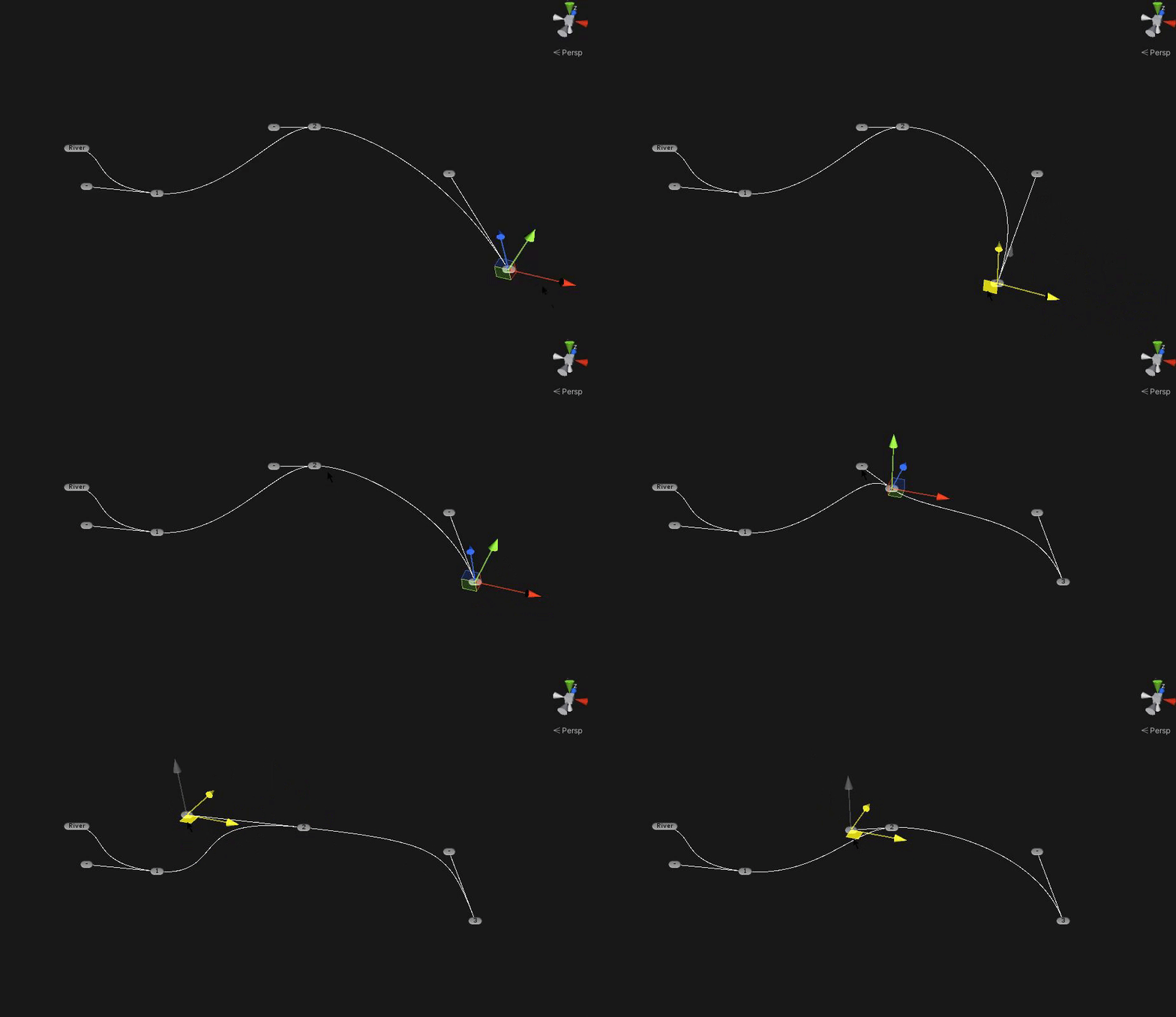
I then added functionality to add and remove points from the curve.
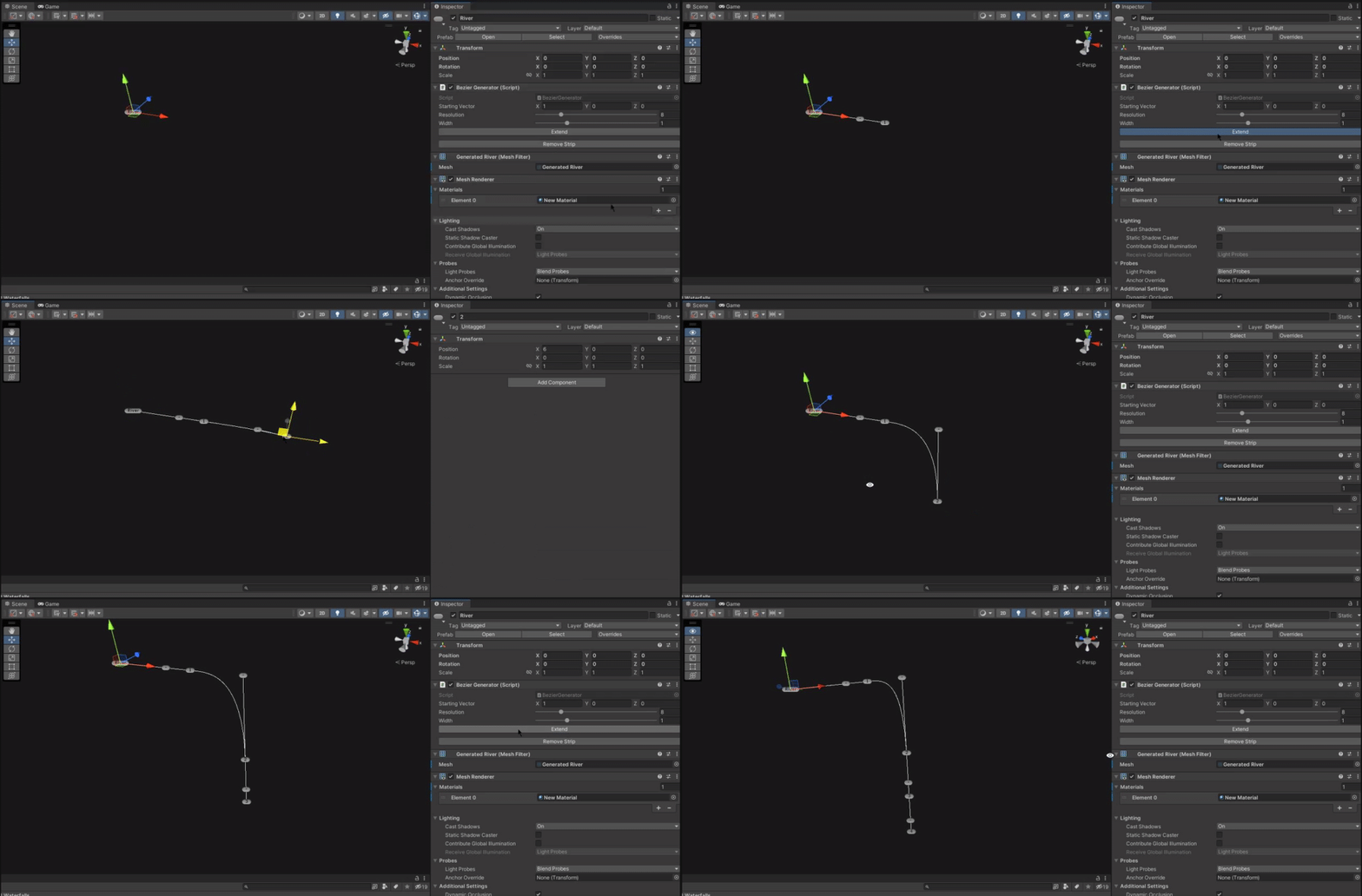
Mesh Generation
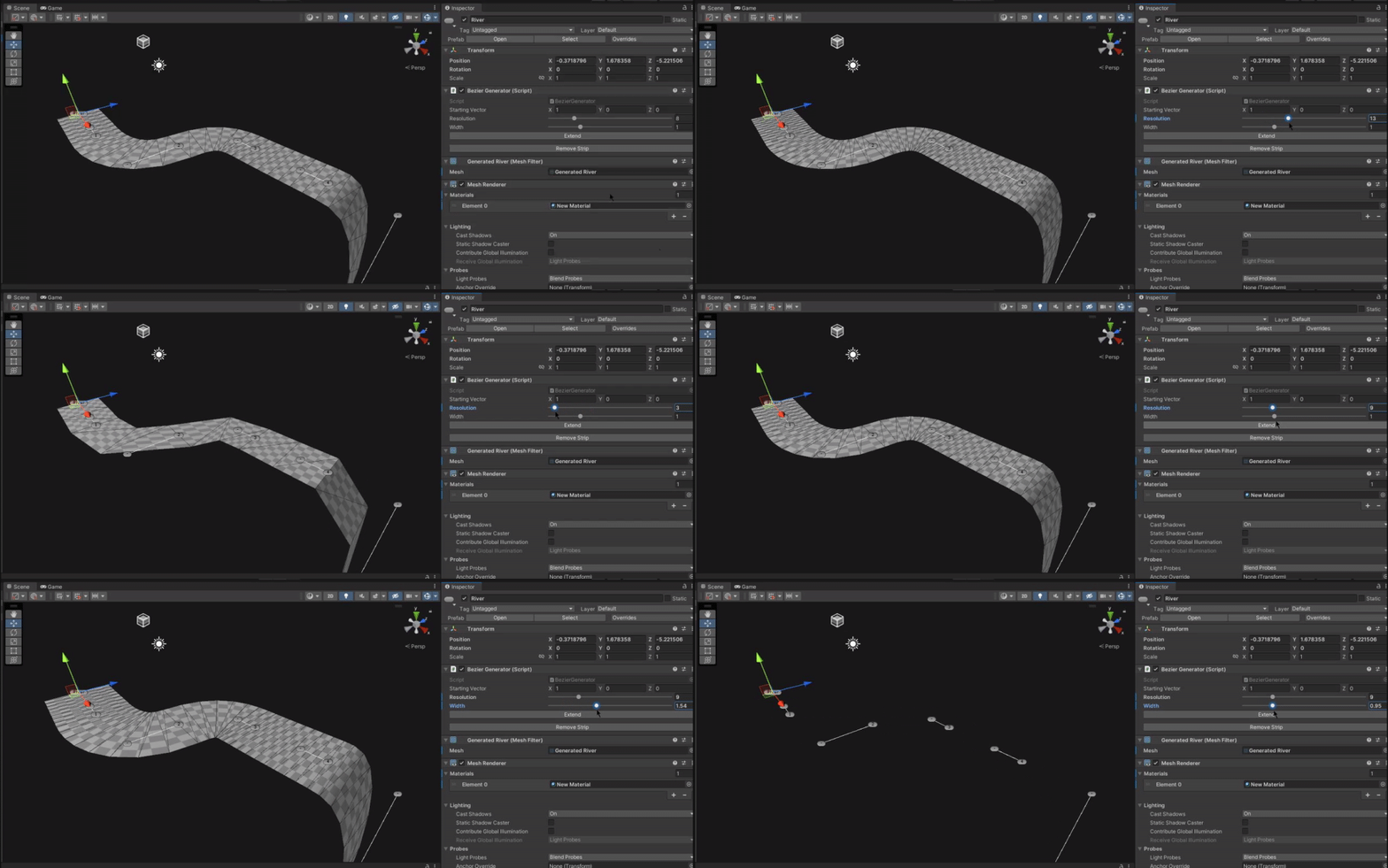
After researching how to generate meshes procedurally in C#, starting with quads and going from there, I created a mesh that extends out in quads across the spline. This involved creating vertices following the spline, at a defined width, and storing them in an array with the correct winding order to render the right way around and create triagnles across the width. The resolution and width of the mesh would be dynamic and the UVs would follow the spline.
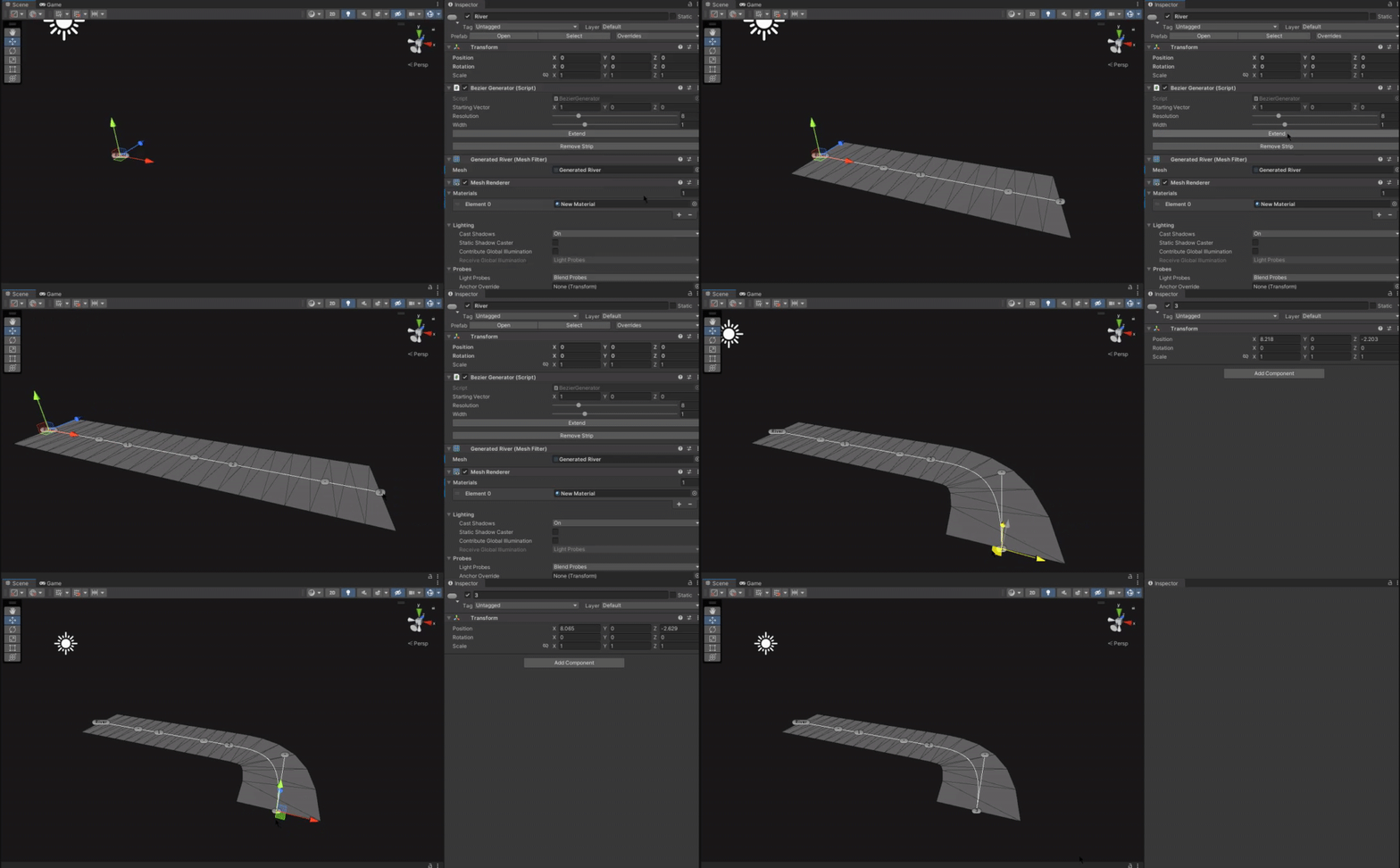
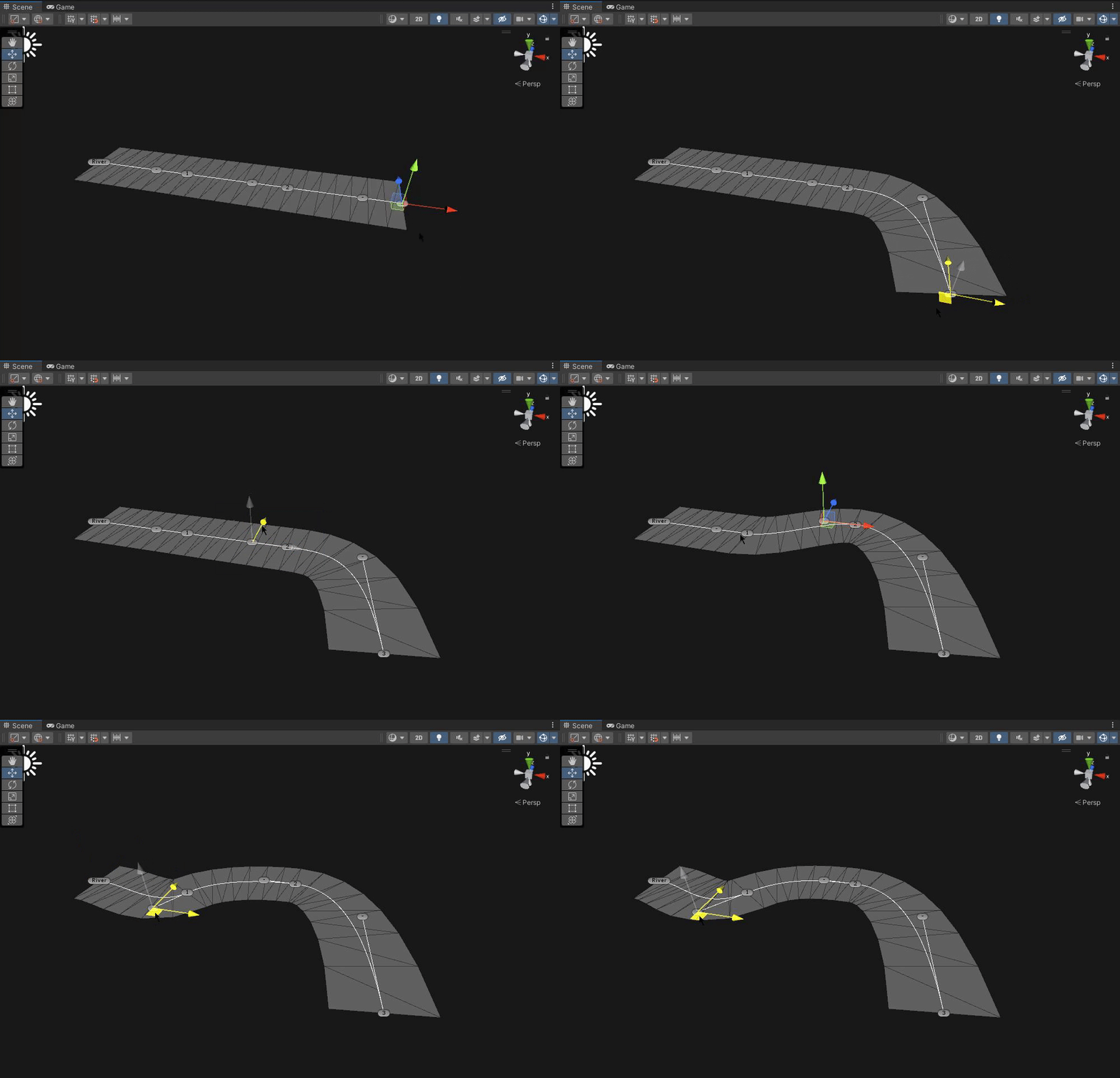
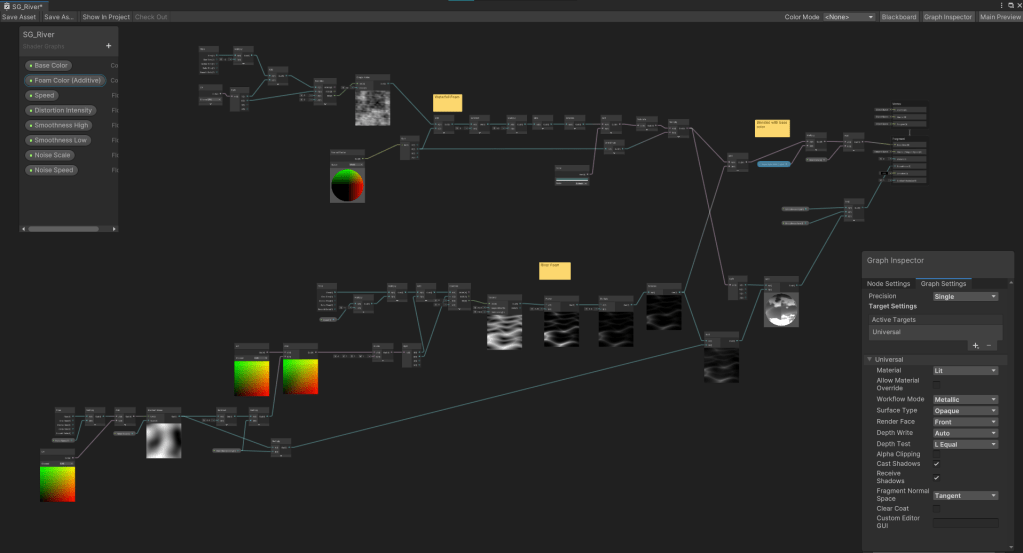
Once this was all done I created a quite shader in shader graph to demo the tool, when the mesh normals are not pointing up is when a waterfall like foam should appear. Waterfalls were very easy to create in this way and could extend from the river meshes directly.
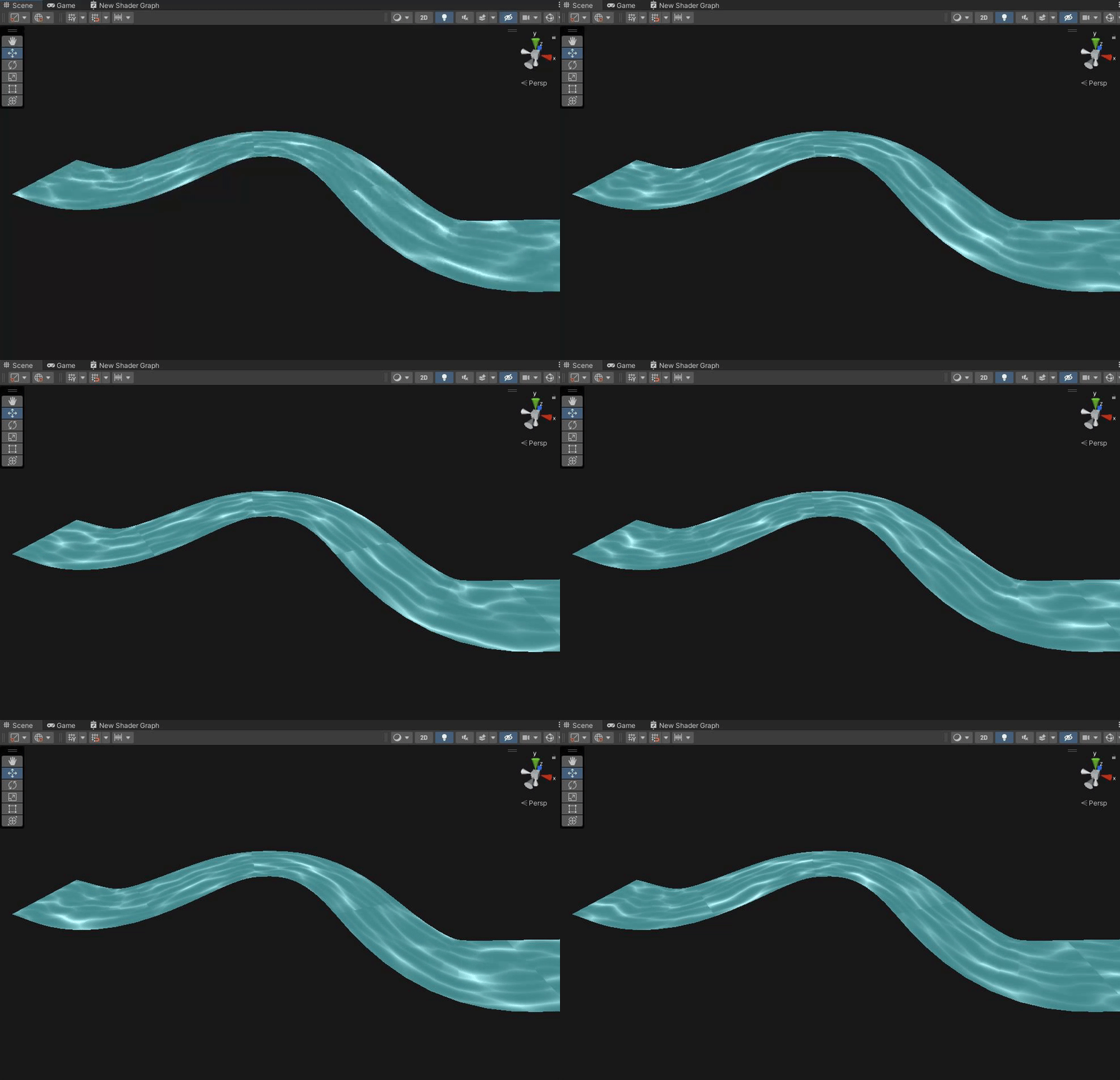
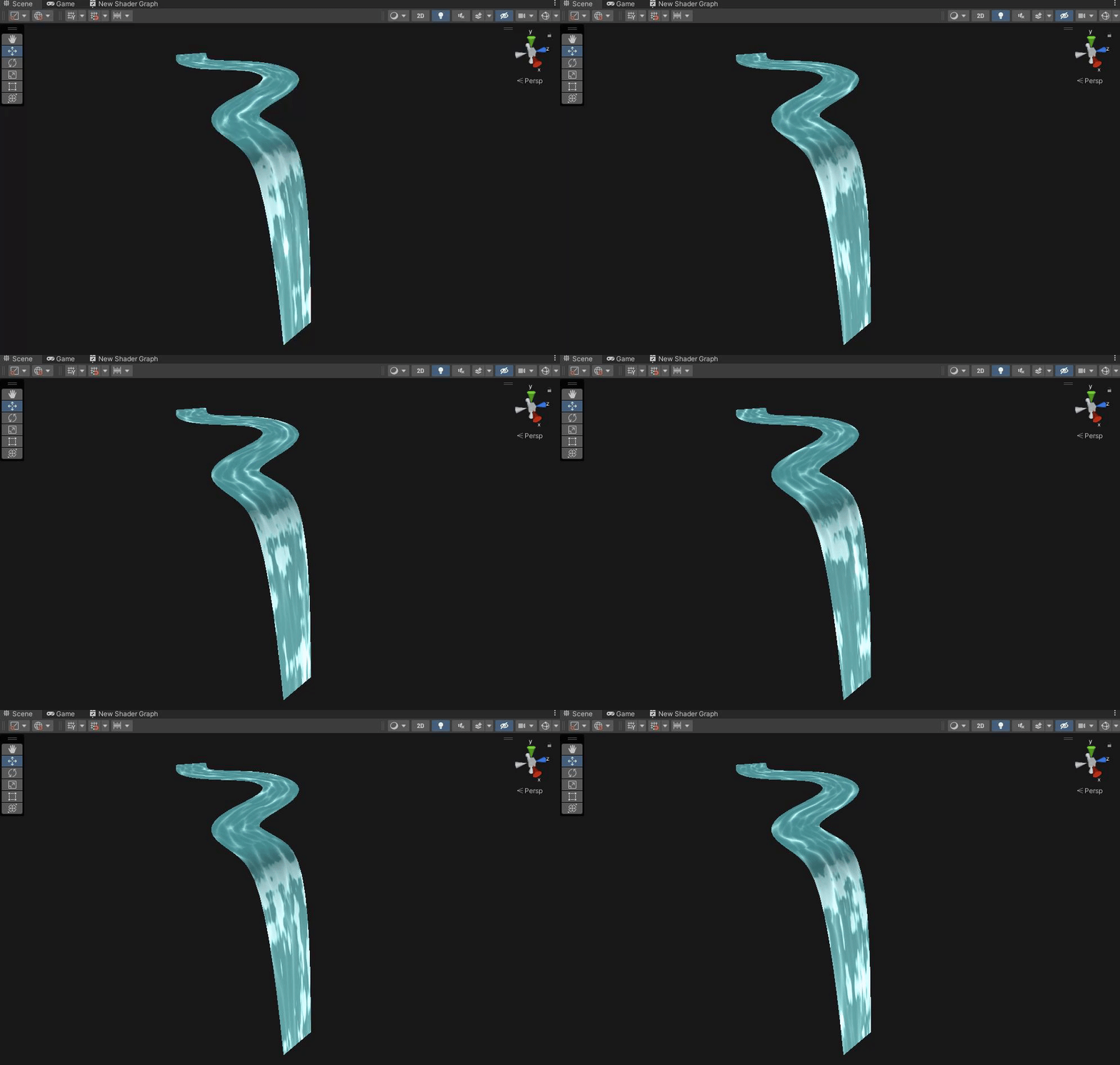
With much more I would’ve liked to do, that was as far as I got with this project. Fixing the UV seams would be next on my to do list with more advanced UV controls too. However, this was a great way to get familiar with tooling in C# and mesh generation tools as well. I’ll find the Unity project in the near future to dig the code out and put it here.
 Lewis Gadsby