This is another tool that I am recreating from an old one I made at University. It was my introductory project to Unity’s mesh API and editor tooling. I’m redoing it now to get back into coding in C# after spending the last few years in Unreal.
Bezier Curves
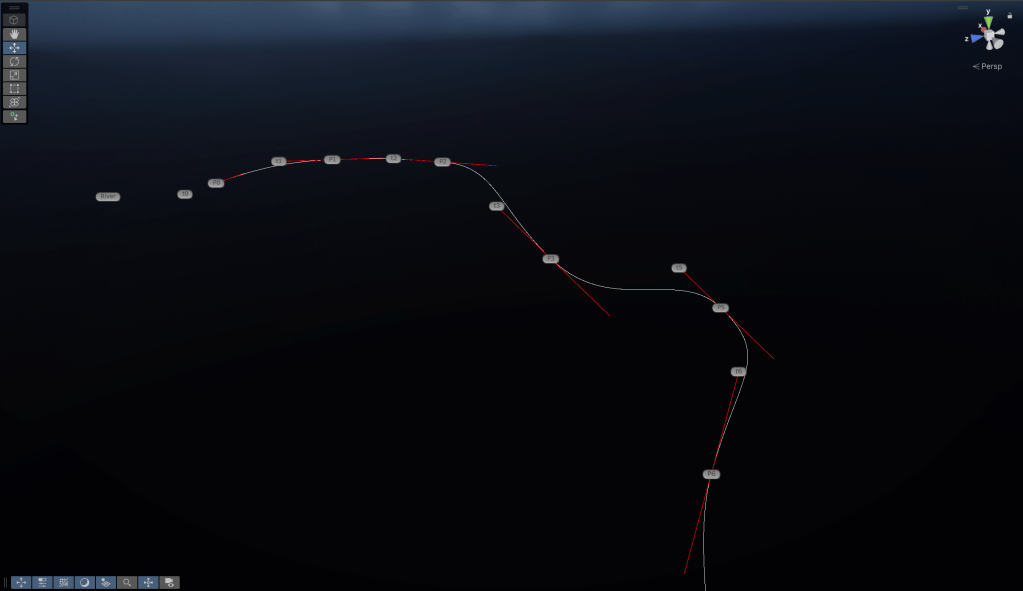
The base for any spline tool is creating the splines to begin with, this is normally cubic bezier curves and that’s what I did here. These offer a good amount of control through placement of the tangents and are very smooth.
Cubic bezier curves are generated by defining a start and end point, and two tangent points. The points along the generated curve can be sampled with multiple lerps of the positions of these points. There are 3 layers of lerps, first between the points and tangents, then between the results of these until we get down to one point.
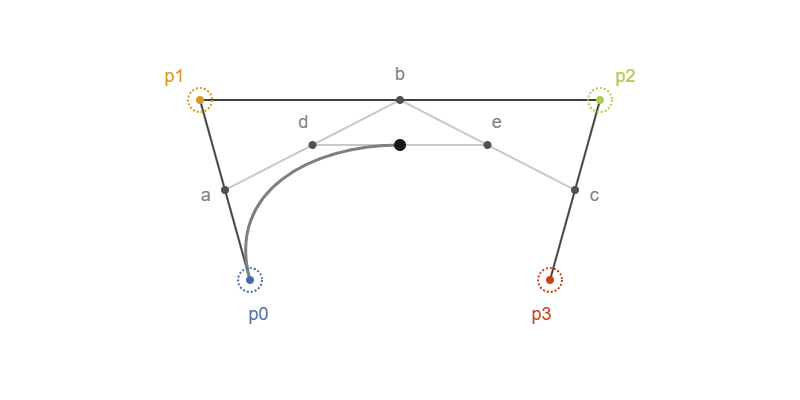
https://acegikmo.com/bezier/
This is the bezier sample code in my BezierGenerator script. F is the resulting point along the spline, given the input alpha, which is how far along the curve we want to sample. Note that linearly increasing the input alpha will not move it linearly across the curve in distance however.
The points and tangents are taken from the transformations of child objects from the parent river object.
Vector3 SampleBezierPosition(Vector3 p1, Vector3 p2, Vector3 t1, Vector3 t2, float alpha){ Vector3 a = Vector3.Lerp(p1, t1, alpha); Vector3 b = Vector3.Lerp(t1, t2, alpha); Vector3 c = Vector3.Lerp(t2, p2, alpha); Vector3 d = Vector3.Lerp(a, b, alpha); Vector3 e = Vector3.Lerp(b, c, alpha); Vector3 f = Vector3.Lerp(d, e, alpha); return f;}Mesh Generation
With this function, we can sample along the curve at many points, and create vertices at those points. I’ll post a more detailed breakdown of my code once this project is finished but in short: After the UVs are assigned, the verts are triangulated and the normals calculated, a mesh is produced.
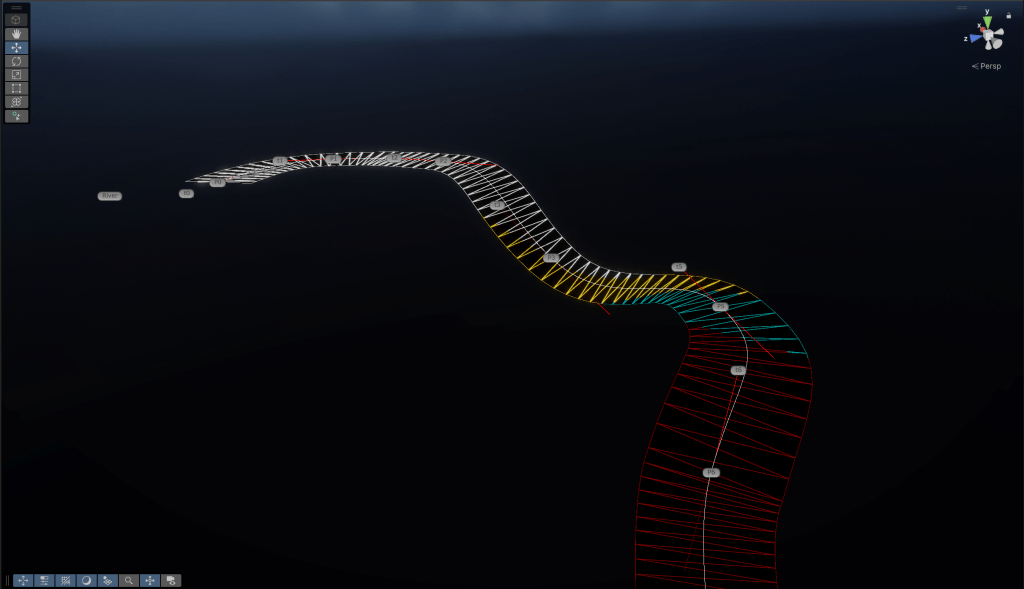
In order for the quads to be somewhat evenly spaced and not stretch along the length of a curve segment, we need to use the length of the segment to adjust our placements. Points along a bezier curve are not evenly spaced as the alpha value increases, and unfortunately, there’s no direct analytical way of getting the length of the curve with the data we have. Because of this, we need to sample the curve at multiple points with a certain resolution and get the distances between those points to find an approximate total length, much like using an integral.
I’m using a resolution of 20 per curve segment. This essentially measures the curve segment with 20 straight lines.
for (int distStep = 0; distStep < 20; distStep++){ Vector3 distPos = SampleBezierPosition(p1, p2, t1, t2, (1f / 20) * distStep); currentDistance += Vector3.Distance(distPos, prevDistPos); prevDistPos = distPos;}Using this length measurement, I distribute the vertices evenly across curve distances. Combined with a resolution parameter to define the detail of the generated mesh.
The result isn’t perfect but it’s the best we can do without creating a lookup table of points to get perfectly spaced quads, and our mesh’s UV density doesn’t need to be exact.
The UVs are placed at increasing V values along the curve so that our texture follows the curve. I’m just using a scrolling normal map to get a simple flowing water look. More advanced shaders are in the works.
The vertices are also translated to local space so that they appropriately move the the transforms of both the parent and the child objects.
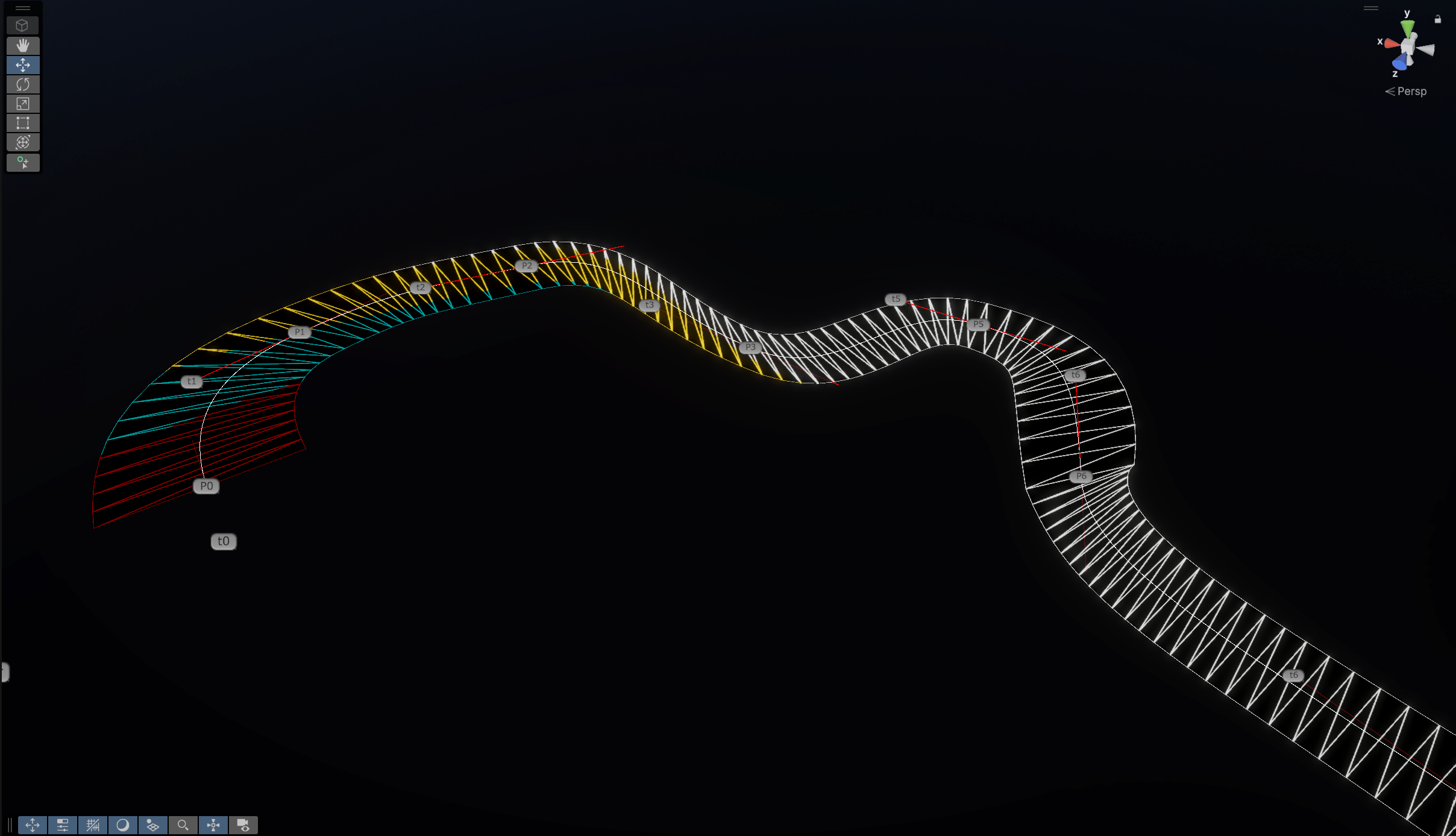
Another element of control the user has is the width of the river. There’s both a global width property, and width properties for each curve point, with the width being interpolated between points. I created an editor script to draw these handles for the width of each segment, as well as each point and tangent.
Lastly, as I was developing this, I added some viewing options for the curves, tangents, subdivisions and wireframe of the model.
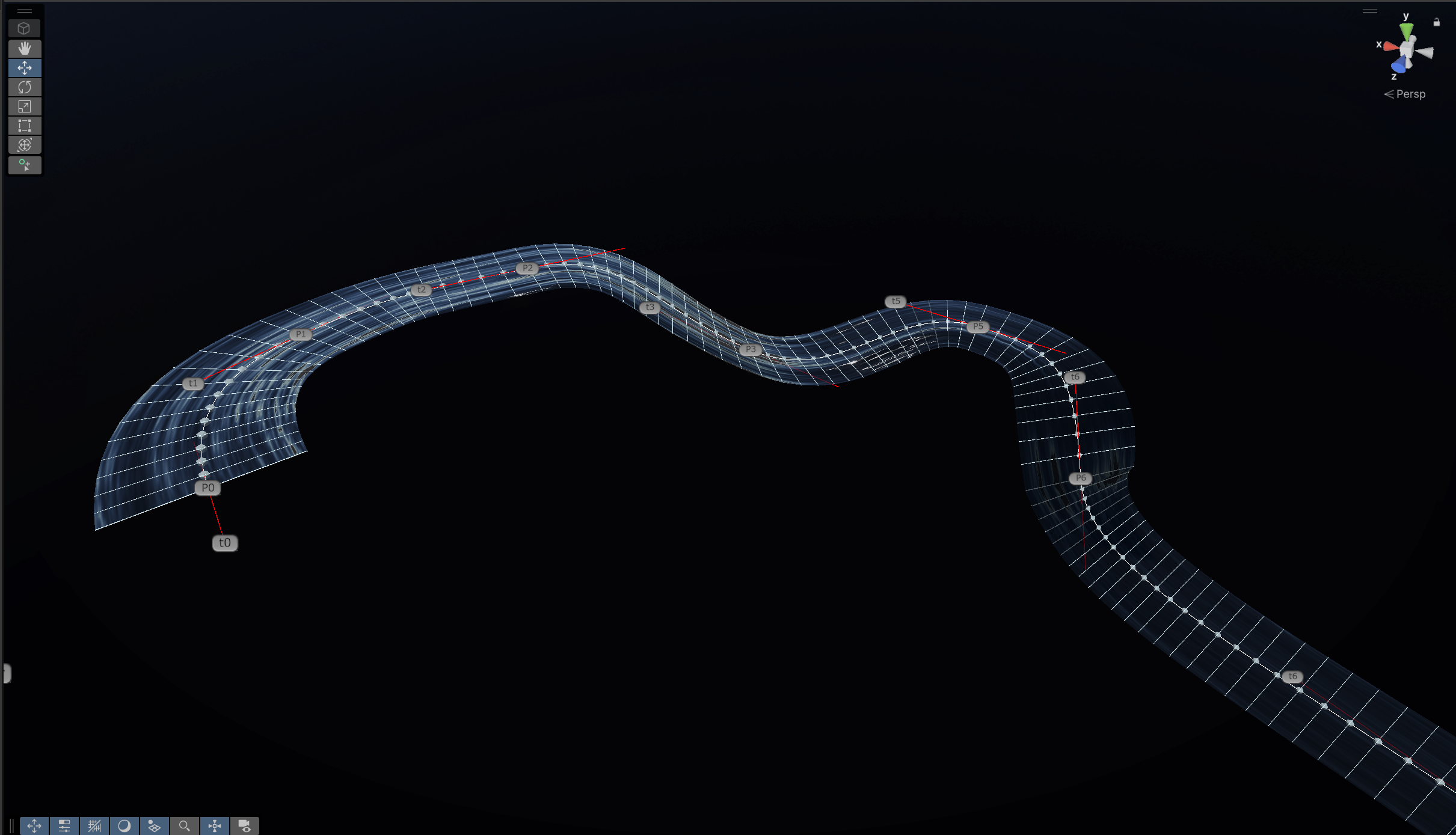
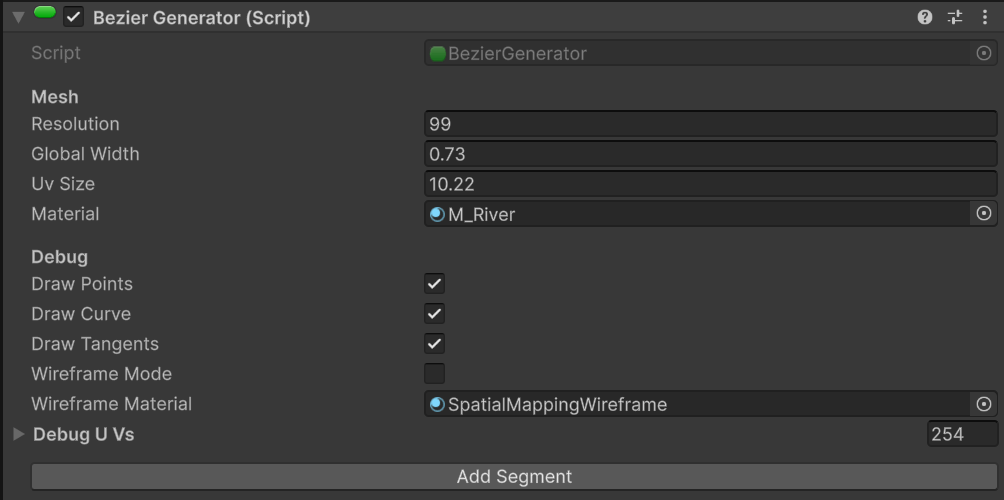
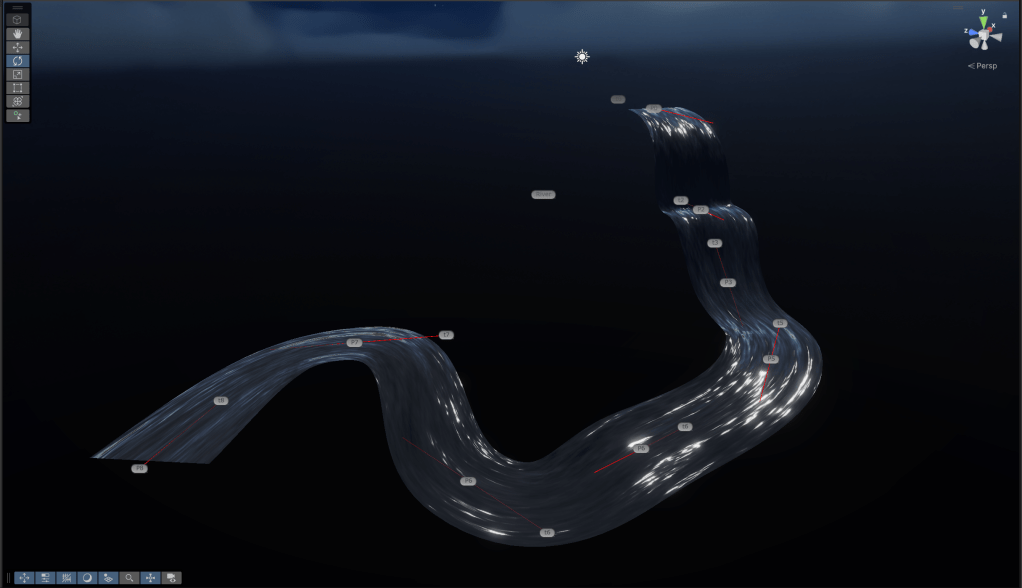
The next steps for this project are more shaders for the river, both realistic and stylized as well as adding new mesh modes, so that a tube or half tube can be used for the river instead of just quads. I’ll also extend this tool to be able to create waterfalls within the same mesh with increased flow speed and to have a shader that supports flow interruption and foamy spray down the waterfall.
 Lewis Gadsby