A liquid shader made in Unity’s Universal Render Pipeline using HLSL and C#.
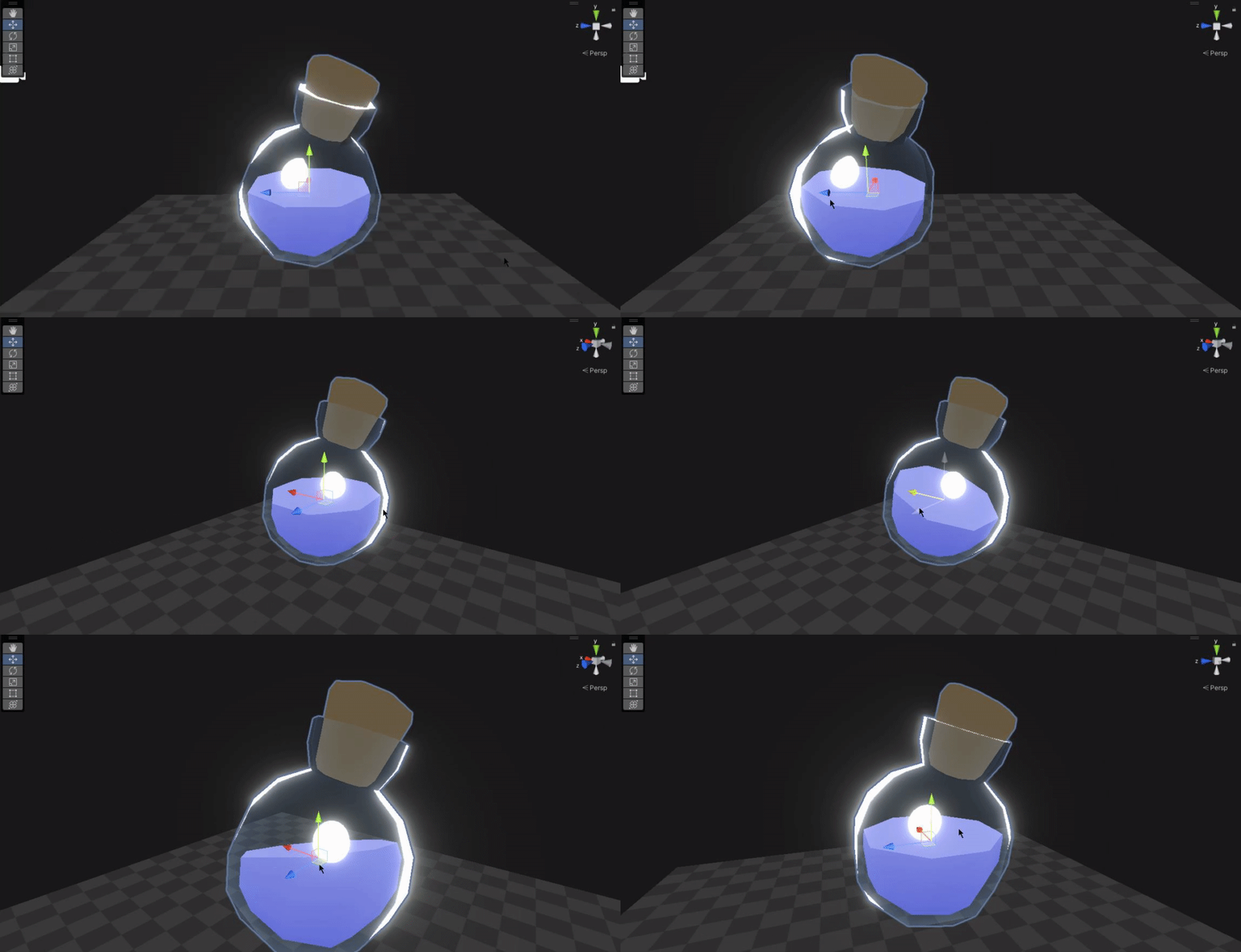
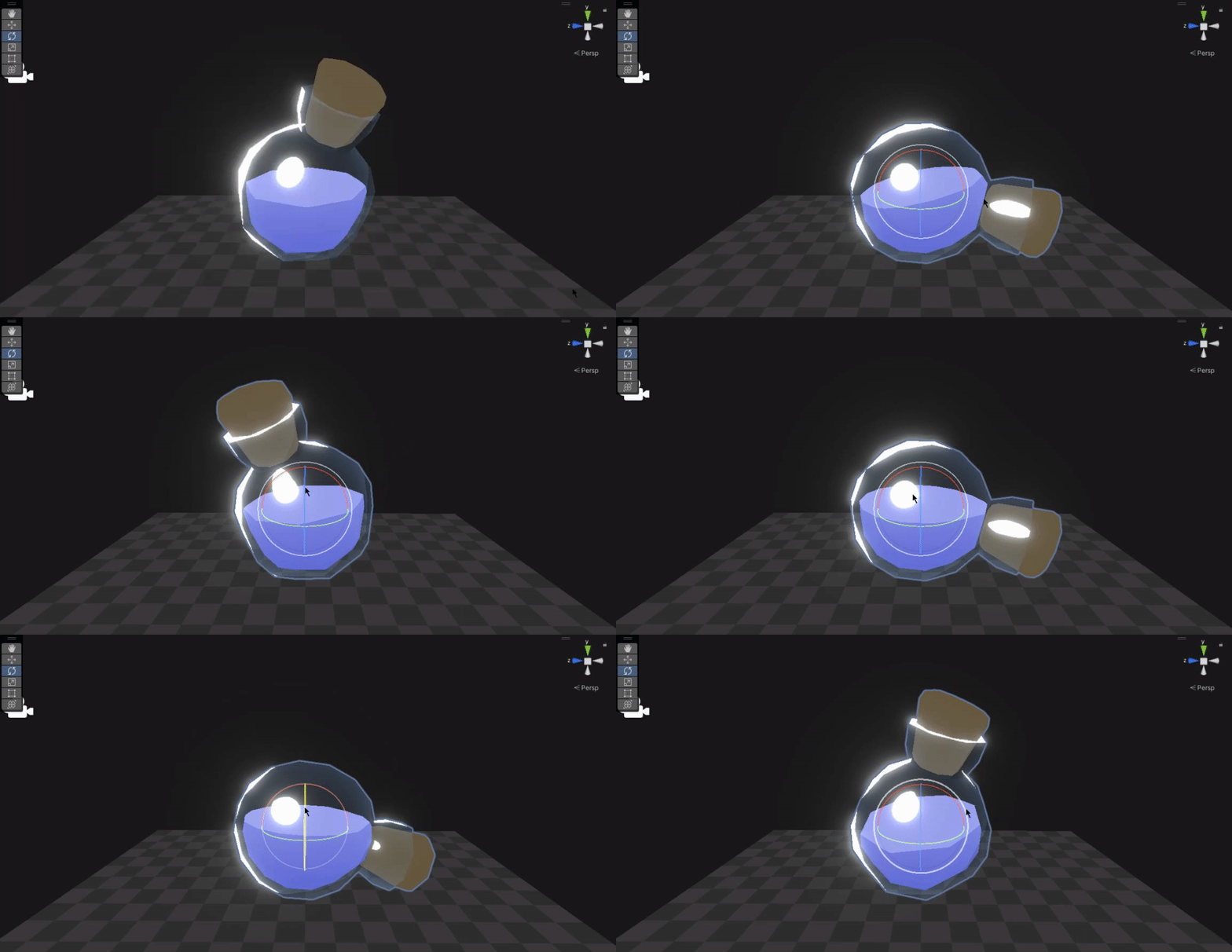
The liquid shader has a consistent fill level and a C# script that wobbles the liquid when the container moves, with a glass cel shader on the containers.
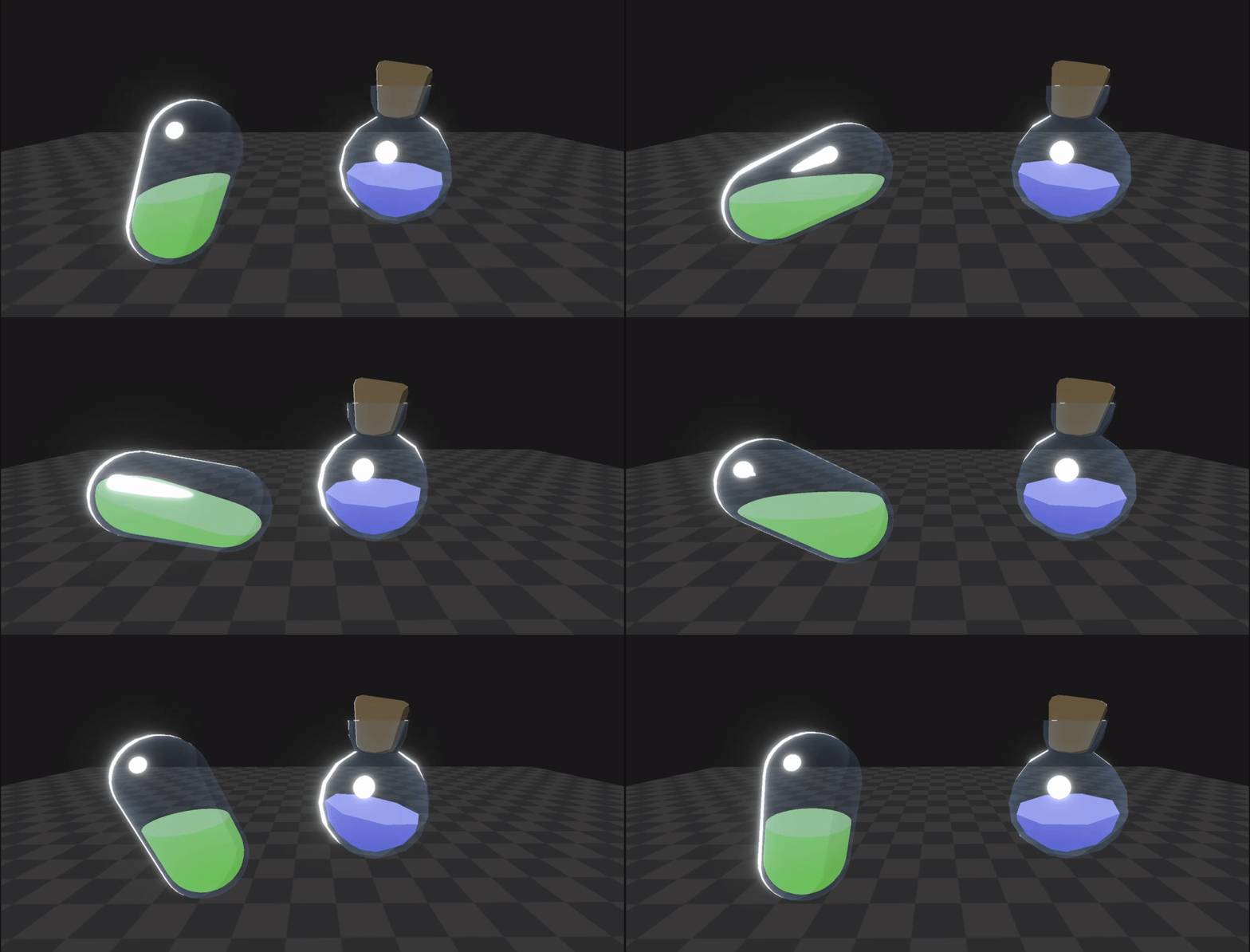
The 3D models are comprised of a mesh for the glass container and another interior liquid mesh, which is rendered as two sided in the shader. A sphere for the bottle on the right and a capsule for the container on the left.
Liquid Shader
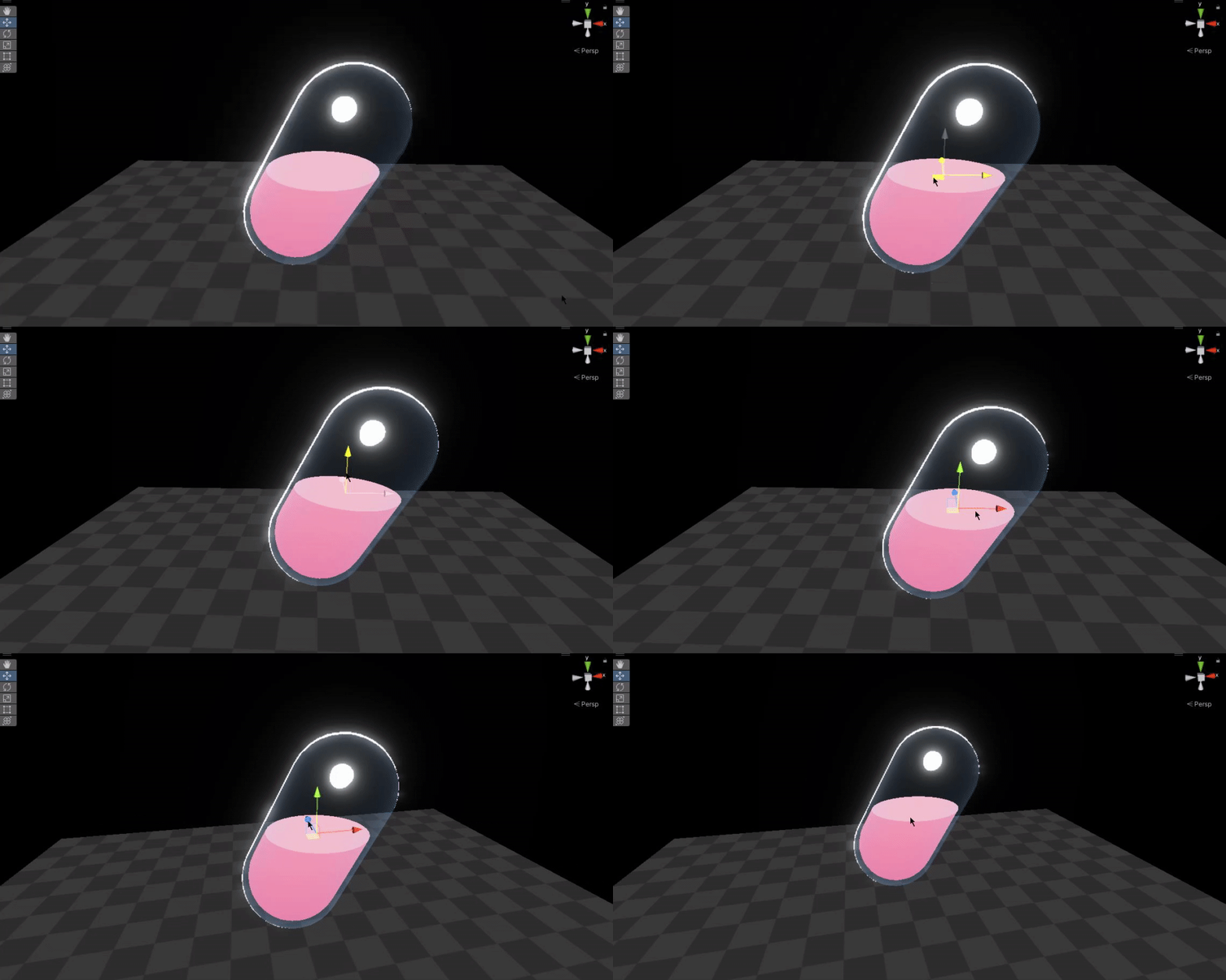
The shader works by rendering a different color for each side of the two sided liquid mesh, this makes the inside faces of the liquid mesh look like the top of the liquid with a lighter color. The shader culls pixels above a threshold on the Y coordinate in the object space gradient. This threshold is the ‘fill level’ of the liquid.
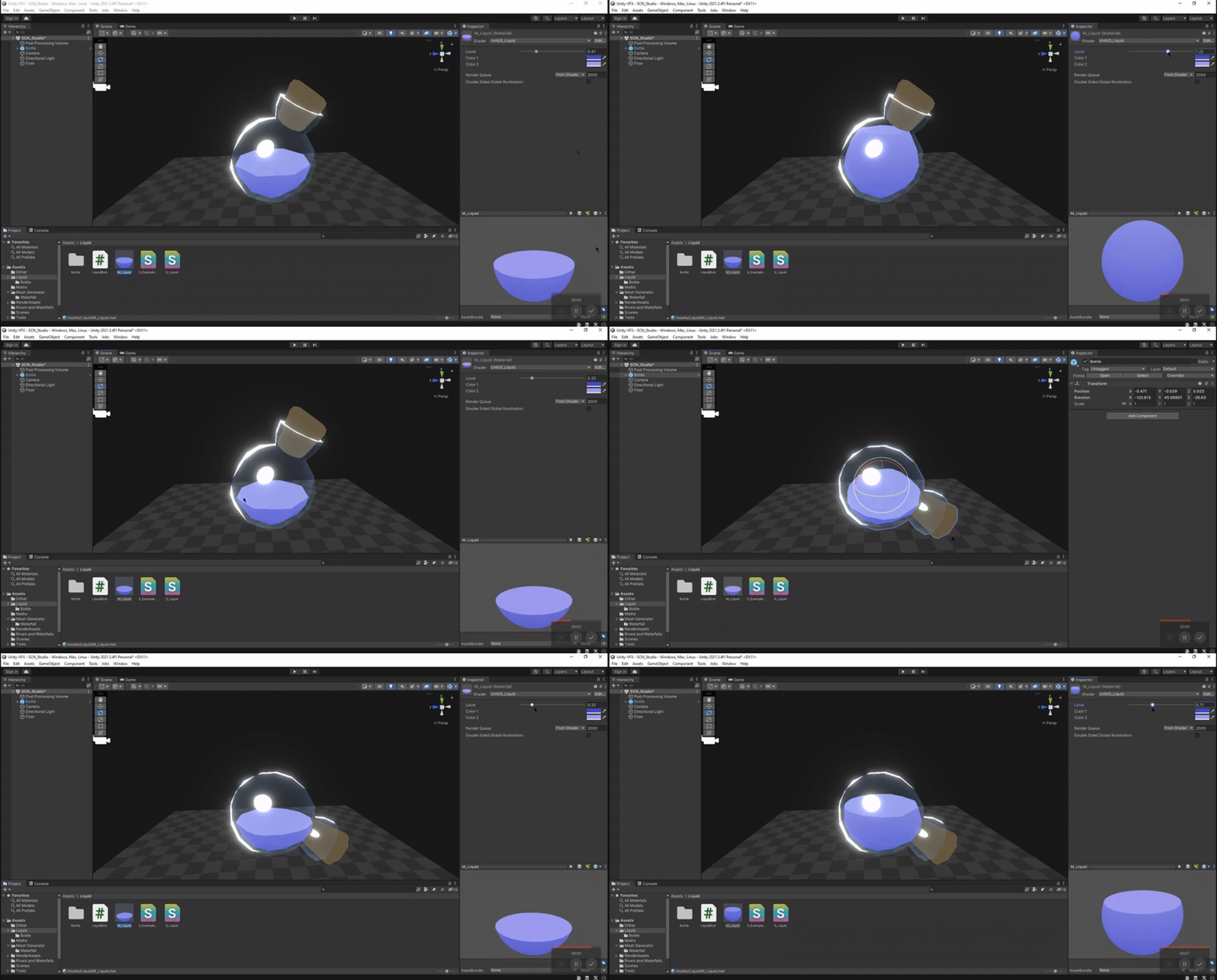
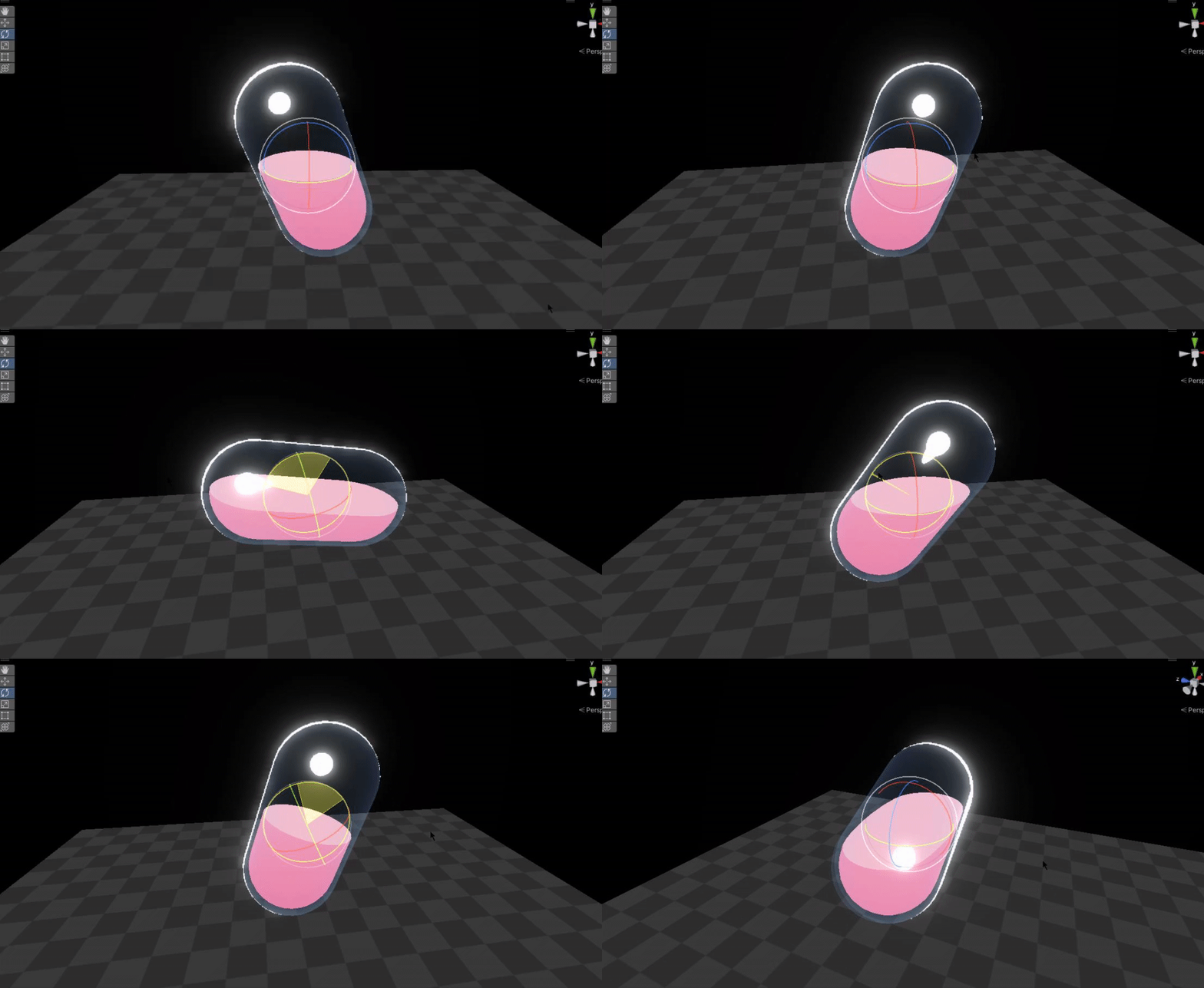
A function called in the vertex shader rotates the object space gradient around, with the rotation multiplied by a sine of time, so it wobbles back and forth over time. This creates the liquid wobble. The intensity of the wobble and direction of the rotation are determined by the combined positional and rotational velocity of the object.
//rotation function - used to wobble liquid levelfloat4 RotateAroundYInDegrees (float4 vertex, float degrees){ float alpha = degrees * 3.14 / 180; float sina, cosa; sincos(alpha, sina, cosa); float2x2 m = float2x2(cosa, sina, -sina, cosa); return float4(vertex.yz , mul(m, vertex.xz)).xzyw;}VertOut vert (VertIn i){ //position values VertOut o; o.normal = i.normal; o.worldPos = mul(unity_ObjectToWorld, i.position); o.viewDir = _WorldSpaceCameraPos - o.worldPos; o.objPos = UNITY_MATRIX_M._m03_m13_m23; o.position = TransformObjectToHClip(i.position.xyz); // rotate around XZ - Y movement does not effect rotation float3 worldPosX = RotateAroundYInDegrees(float4(o.objPos - o.worldPos,0),360); float3 worldPosZ = float3 (worldPosX.y, worldPosX.z, worldPosX.x); // adds rotation to base position, using sine wave from script float3 worldPosAdjusted = (o.objPos - o.worldPos) + (worldPosX * _BobX)+ (worldPosZ * _BobZ); // creates liquid fill level o.fillEdge = worldPosAdjusted.y + _Level; return o;}float4 frag (VertOut i, float facing : VFACE) : SV_Target{ //gets shadows half4 shadowCoord = TransformWorldToShadowCoord(i.worldPos); #if _MAIN_LIGHT_SHADOWS_CASCADE || _MAIN_LIGHT_SHADOWS Light mainLight = GetMainLight(shadowCoord); #else Light mainLight = GetMainLight(); #endif //final stepped cast shadows half shadow = 1 - step(mainLight.shadowAttenuation, 0.99); //maps shadow to shadow intensity property half mappedShadow = clamp(shadow, _ShadowIntensity, 1); //gets position gradient float3 space = i.worldPos - i.objPos; //steps gradient with fill value to create fake liquid float fill = 1 - step(i.fillEdge, 0.5); //colors based on face direction - creates 'top' of liquid float3 color1 = lerp(_Col1.xyz, _Col2.xyz, saturate((space.y + 1) / 2)); float3 colors = lerp(_Col2, color1, saturate(facing)).xyz * mappedShadow; //returns col float4 col = float4(colors, fill); return col;}
Container Velocity
The C# script attached to the container object records its position every frame, compares it to the last position, and passes the difference to the shader as velocity. At the start of the update, it takes the previous frame’s wobble amount (determined by velocity) and interpolates it to the 0 to fade the wobble effect over time.
Renderer render;Vector3 lastPos;Vector3 velocity;Vector3 lastRot;Vector3 angularVelocity;[Range(0f, 0.1f)]public float maxBob = 0.03f;[Range(0f, 2f)]public float bobSpeed = 1f;[Range(0f, 2f)]public float recovery = 1f;float bobAmountX;float bobAmountZ;float bobAmountAddX;float bobAmountAddZ;float pulse;[Range(0f,1f)]float time = 0.5f;private void OnValidate(){ render = GetComponent();}void OnDrawGizmos(){ time += Time.deltaTime; // decrease bob over time bobAmountAddX = Mathf.Lerp(bobAmountAddX, 0, Time.deltaTime * (recovery)); bobAmountAddZ = Mathf.Lerp(bobAmountAddZ, 0, Time.deltaTime * (recovery)); // make a sine wave of the decreasing bob pulse = 2 * Mathf.PI * bobSpeed; bobAmountX = bobAmountAddX * Mathf.Sin(pulse * time); bobAmountZ = bobAmountAddZ * Mathf.Sin(pulse * time); // assign material properties render.sharedMaterial.SetFloat("_BobX", bobAmountX); render.sharedMaterial.SetFloat("_BobZ", bobAmountZ); // velocity velocity = (lastPos - transform.position) / Time.deltaTime; angularVelocity = transform.rotation.eulerAngles - lastRot; // add velocity to bob variables bobAmountAddX += Mathf.Clamp((velocity.x + (angularVelocity.z * 0.2f)) * maxBob, -maxBob, maxBob); bobAmountAddZ += Mathf.Clamp((velocity.z + (angularVelocity.x * 0.2f)) * maxBob, -maxBob, maxBob); // store last position lastPos = transform.position; lastRot = transform.rotation.eulerAngles;}
Glass Cel Shader
I create a quick translucent glass cel shader that uses a blinn-phong specular highlight and a rim light based on a fresnel function multiplied by a lambert ramp.
VertOut vert(VertIn i){ //position values VertOut o; o.position = TransformObjectToHClip(i.position.xyz); o.worldPos = mul(unity_ObjectToWorld, i.position); o.viewDir = _WorldSpaceCameraPos - o.worldPos; o.uv = i.uv; o.normal = mul(unity_ObjectToWorld, i.normal); o.screenPos = ComputeScreenPos(o.position); return o;}float4 frag(VertOut i) : SV_Target{ //gets shadows half4 shadowCoord = TransformWorldToShadowCoord(i.worldPos); #if _MAIN_LIGHT_SHADOWS_CASCADE || _MAIN_LIGHT_SHADOWS Light mainLight = GetMainLight(shadowCoord); #else Light mainLight = GetMainLight(); #endif //final stepped cast shadows half shadow = 1 - step(mainLight.shadowAttenuation, 0.99); //lambertian lighting float3 normal = normalize(i.normal); //redefine normals float lambert = dot(_MainLightPosition.xyz, normal); //base lambertian gradient float ramp = 1 - step(lambert, 0); //steps it to create toon shading //specualar //half vector float3 viewDir = normalize(i.viewDir); float3 halfVec = normalize(_MainLightPosition.xyz + viewDir); //base specular highlight float spec = dot(halfVec, normal); //remaps 'smoothness' parameter and applies lambert ramp to it float smooth = lerp(1, 0.9, _Smooth * saturate(lambert * shadow)); //creates final specular highlight, stepping base highlight with smoothness float highlight = 1 - step(spec, smooth); //creates fresnel gradient float fresnel = dot(normal, viewDir); //creates rim light float rim = ramp * (step(dot(normal, viewDir) / saturate(lambert * shadow), (_RimSize - 1))); //combines highlight and rim and applies light color float4 colHighlight = saturate(highlight + rim) * _HighlightInt; //base glass color gradient over fresnel float4 colorRgba = lerp(_Color + 0.2, _Color, fresnel); //basic toon shadows half4 shading = lerp(_LightColor0 * (1 - _ShadowInt), _LightColor0, ramp * shadow); //adds highlight and rim half3 col = colorRgba.xyz * shading + colHighlight; half alpha = colorRgba.a + highlight + rim; return half4(col, alpha);}

