A vertex ambient occlusion baker is a classic tooling project, perfect for 3D mobile and web games. I started one some years ago to improve my C# skills, but I’m revisiting it now with much more confidence in C# and programming to distil what I’ve learned into a simple project.
This tool’s basic method is:
- Loop through every vertex in a mesh.
- Cast rays in a hemisphere shape from each vertex.
- Detect collisions with a mesh collider for each ray.
- Calculate each vertex’s occlusion as the number of collisions divided by the total rays.
- Set the occlusion value to the vertex colour’s alpha channel.
Casting a hemisphere of rays
The part I was least familiar with was the math behind creating a hemisphere of rays, so I started with that.
The idea was to loop through a select number of rays around the hemisphere’s equator (this value is the azimuth, or longitude), then loop up and down the hemisphere (our elevation, or latitude).
Single Ray
Given an input azimuth θ and elevation Φ, the equation to find the xyz coordinates on a sphere is:
x = sin(Φ) * cos(θ)
y = cos(Φ)
z = sin(Φ) * sin(θ)
In C#, I implemented the script like this:
public void DrawSphereRay(float elevation, float azimuth){ Vector3 origin = transform.position; Vector3 sphereVector = new Vector3( Mathf.Sin(elevation) * Mathf.Cos(azimuth), Mathf.Cos(elevation), Mathf.Sin(elevation) * Mathf.Sin(azimuth)); Debug.DrawRay(origin, sphereVector, Color.white, Time.deltaTime);}

Now we have a method named DrawSphereRay() that draws a ray pointing outward with our input azimuth and elevation. We can loop through a number of azimuth rays and run this function in each loop.
Circle
public void DrawCircleRays(){ for (int i = 1; i <= azimuthRays; i++) { DrawSphereRay(Mathf.PI / 2, Mathf.PI * 2 / azimuthRays * i); }}
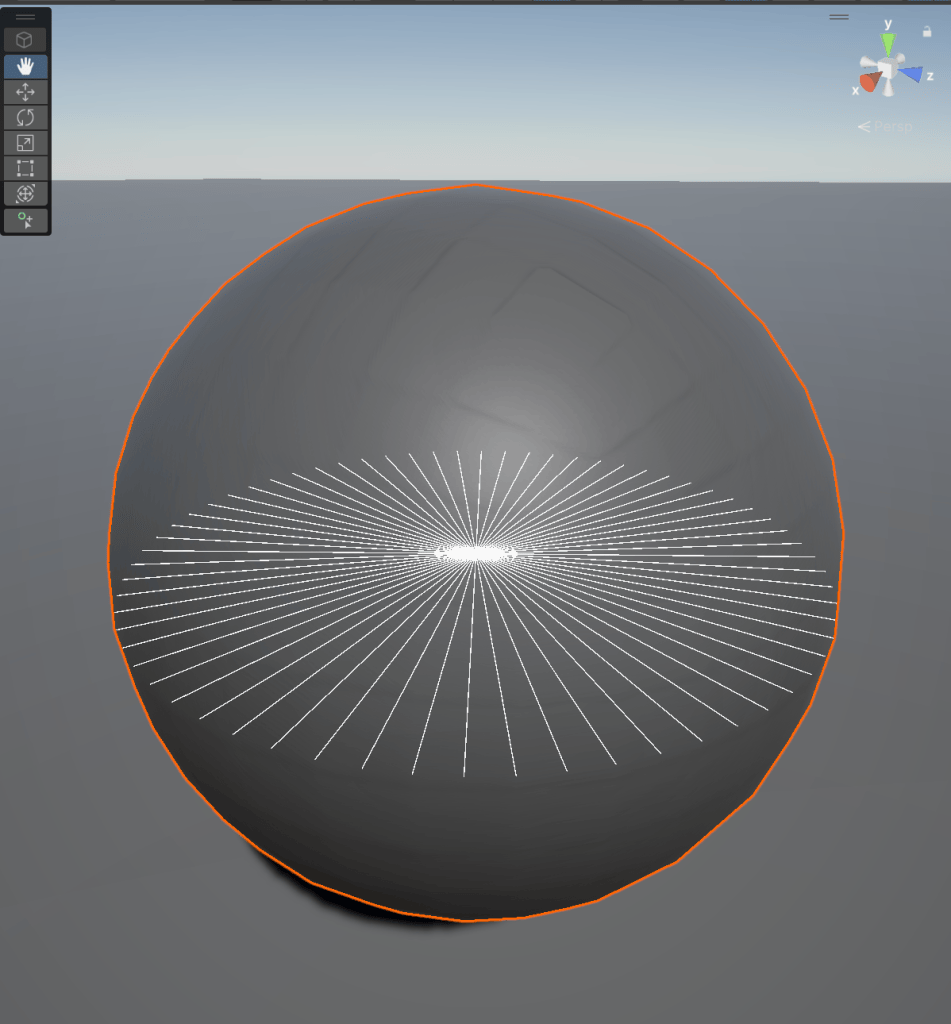
Hemisphere
Now we can create an elevation loop inside the azimuth loop to draw all our elevation rays as we loop around the sphere’s equator. We make it a hemisphere by remapping our elevation input to between 0 and π/2.
public void DrawHemisphere(){ for (int i = 1; i <= azimuthRays; i++) { for (int j = 1; j <= elevationRays; j++) { DrawSphereRay(Mathf.PI / 2 / elevationRays * j, Mathf.PI * 2 / azimuthRays * i); } }}
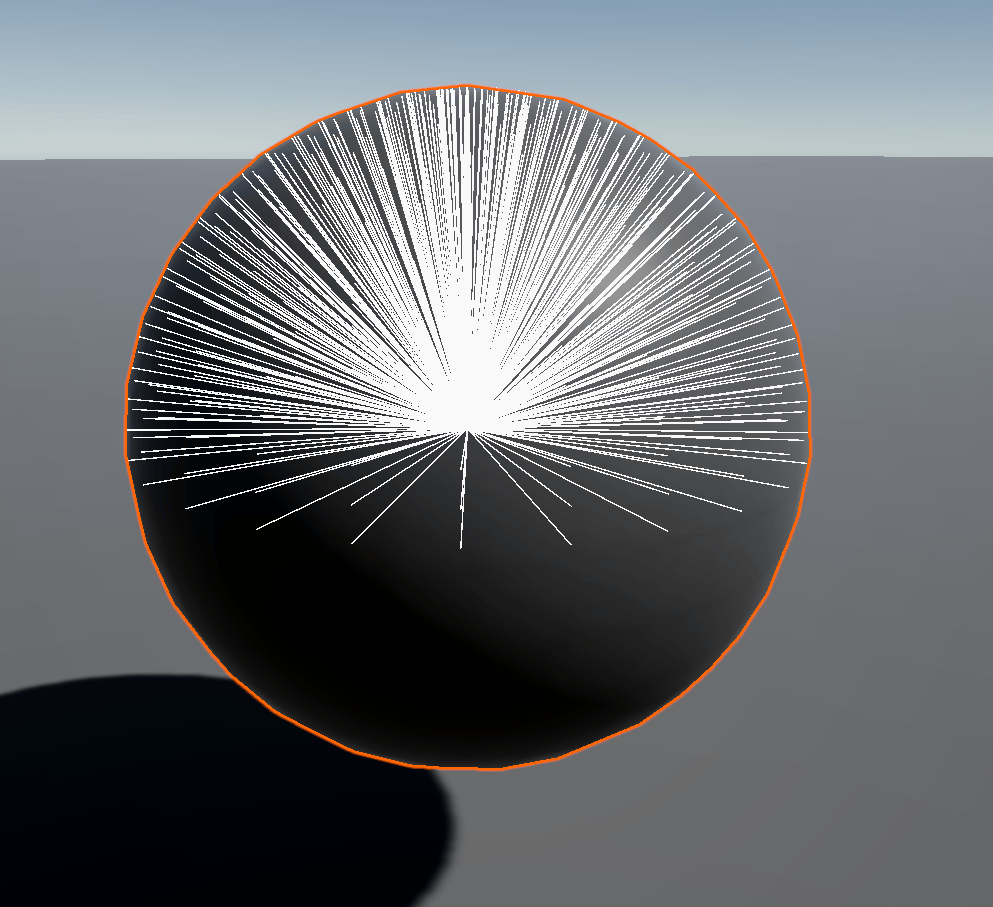
Each hemisphere needs to point toward the vertex normal, so I modified our base DrawSphereRay() function to orient our ray using a new orientation input. We’ll pass the vertex normal to it later.
public void DrawSphereRay(float elevation, float azimuth, Vector3 orient){ Vector3 origin = transform.position; Vector3 sphereVector = new Vector3( Mathf.Sin(elevation) * Mathf.Cos(azimuth), Mathf.Cos(elevation), Mathf.Sin(elevation) * Mathf.Sin(azimuth)); //create a quaternion from our orient input Quaternion rotation = Quaternion.FromToRotation(Vector3.up, orient); //orient our calculated sphere vector by multiplying it with our quaternion Vector3 orientedVector = rotation * sphereVector; Debug.DrawRay(origin, orientedVector, Color.white, Time.deltaTime);}
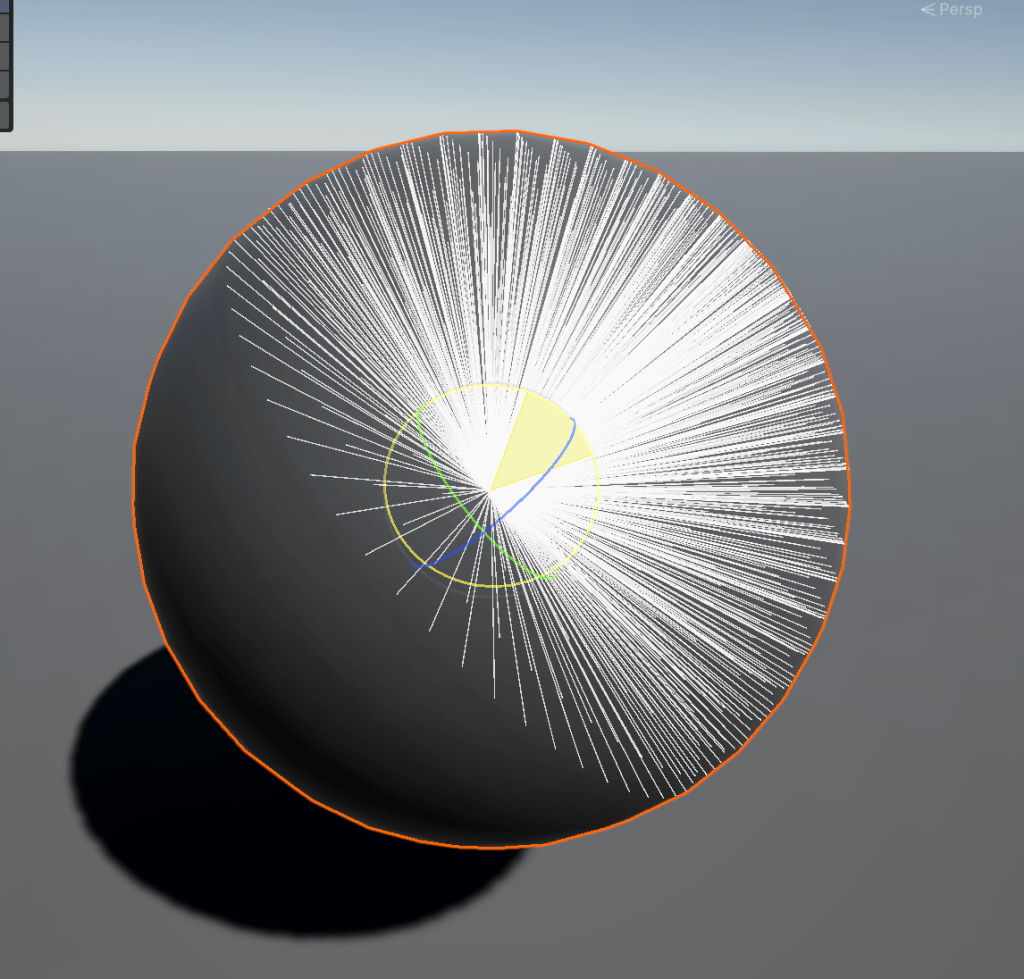
With the maths mostly out of the way, I started on getting mesh data with Unity’s mesh API.
Mesh Data
With the mesh API, we can access a mesh’s vertices, normals and colour directly. Here, we access the vertex positions for the origin of our debug rays and the normals for orientation.
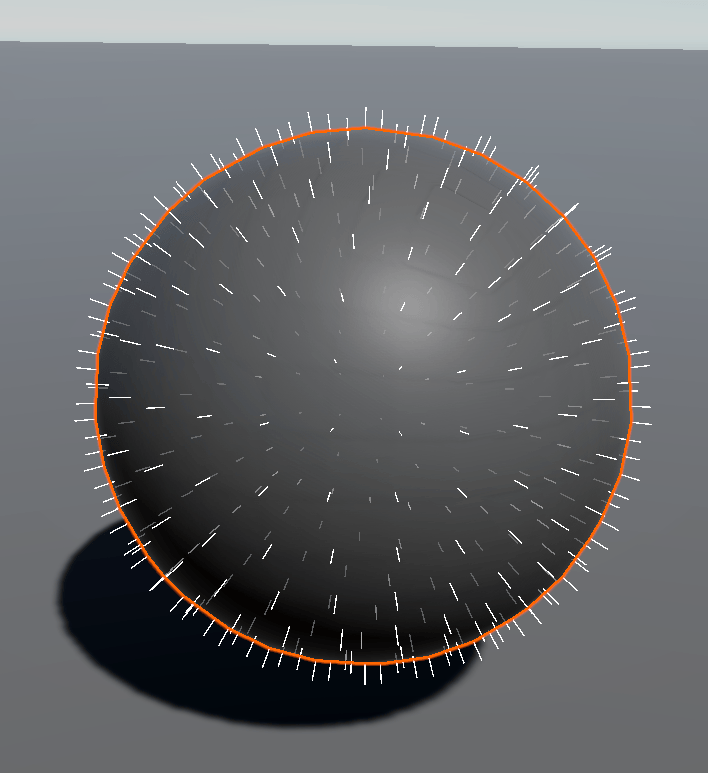
//debug function that draws a ray at each vertex, pointed along the normalpublic void DrawVerts(Mesh mesh){ for (int i = 0; i < mesh.vertices.Length; i++) { Debug.DrawLine(transform.TransformPoint(mesh.vertices[i]), transform.TransformPoint(mesh.vertices[i]) + transform.TransformDirection(mesh.normals[i]), debugVertColor, debugVertDuration); }}
With this mesh data, we cast a hemisphere of rays from each vertex, oriented along the normals.
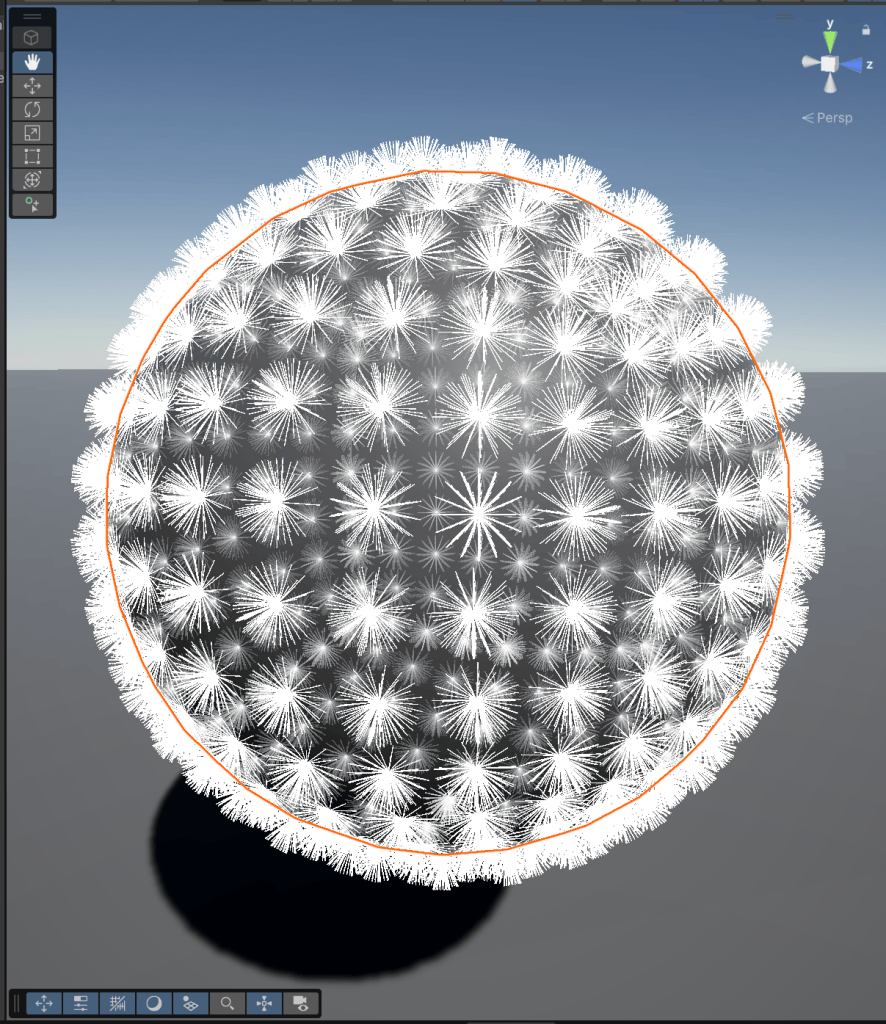
Now we just need to check for collisions, but points on a sphere won’t collide with anything, so I’ll use a different mesh.
Calculating Occlusion
Unity’s RayCast function shoots a ray from a point to another point and tests for collisions; we’ll replace DrawLine with it and select the colour based on whether it hits.
I’m using fewer rays than usual to make it easier to see. Red means hit, and blue means miss. We can see clusters of red rays around the mesh’s crevices.
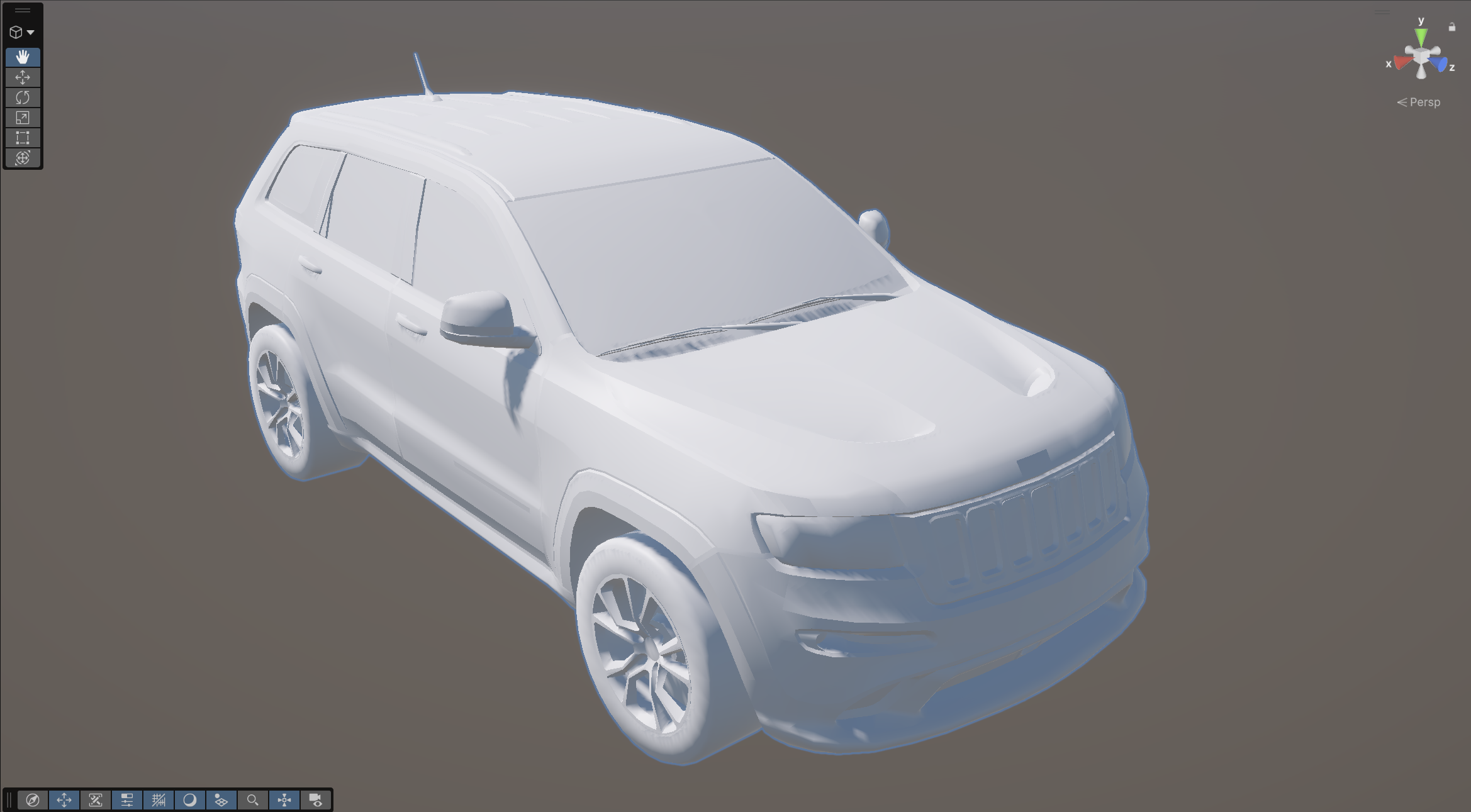
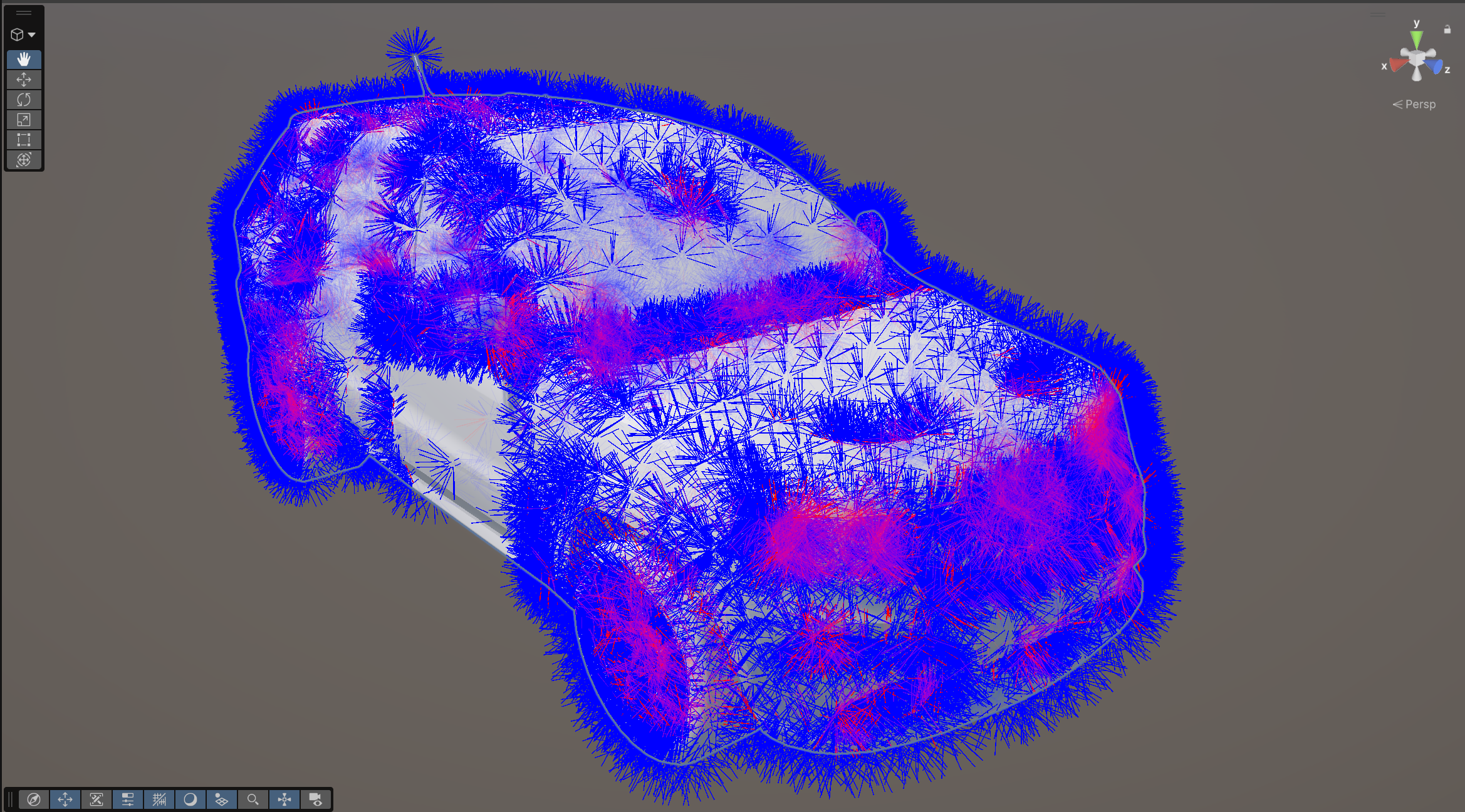
Now that we have this data, we’ll sum the hits and total rays from our hemisphere ray function and return our occlusion value: 1 – (hits/rays).
private float CastHemisphere(Vector3 origin, Vector3 orient){ //rays that hit int hits = 0; //total rays int rays = 0; //cast hemisphere of rays by looping around the equator and up and down for (int i = 1; i <= azimuthRays; i++) { for (int j = 1; j <= elevationRays; j++) { //sphere rays are cast with elevation mapped between 0 and pi/2 to draw a hemisphere if (CastSphereRay(origin, ((Mathf.PI / 2) - minimumElevation) / elevationRays * j, Mathf.PI * 2 / azimuthRays * i, orient)) { //count the amount of rays that hit hits++; } //count the total rays rays++; } } //occlusion value (between 0 and 1) is 1 - (the amount of rays hit / amount of rays total) float occlusion = 1 - (float)hits / rays; return occlusion;}
We’ll do this for each vertex, and set the vertex colour’s alpha channel to the occlusion value.
private List<Color> CastMeshRays(MeshData meshData){ List<Color> colors = new(); //for every vertex in the mesh for (int i = 0; i < meshData.vertices.Length; i++) { //set ray origin and orientations Vector3 v = transform.TransformPoint(meshData.vertices[i]); Vector3 n = transform.TransformDirection(meshData.normals[i]); //cast a hemisphere of rays from the vertex, with the normal as the orientation //occlusion value is the returned 1 - hits/total float occlusion = CastHemisphere(v, n); //create new list of colors with original mesh colors and occlusion value in the alpha channel colors.Add(new Vector4( meshData.colors[i].r, meshData.colors[i].g, meshData.colors[i].b, occlusion )); } //return constructed list of colors return colors;}
And we get our vertex colour ambient occlusion!
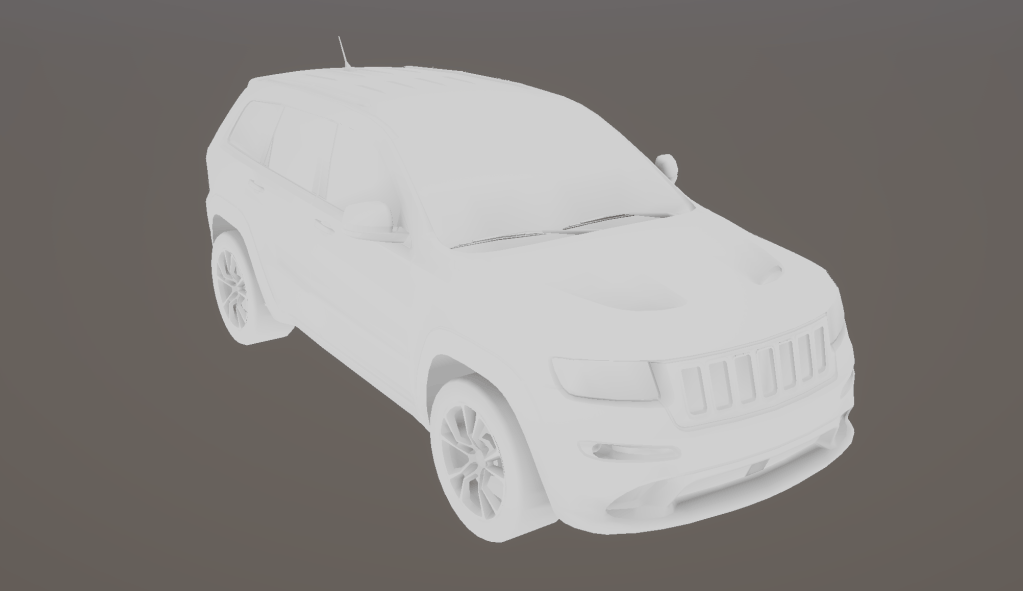
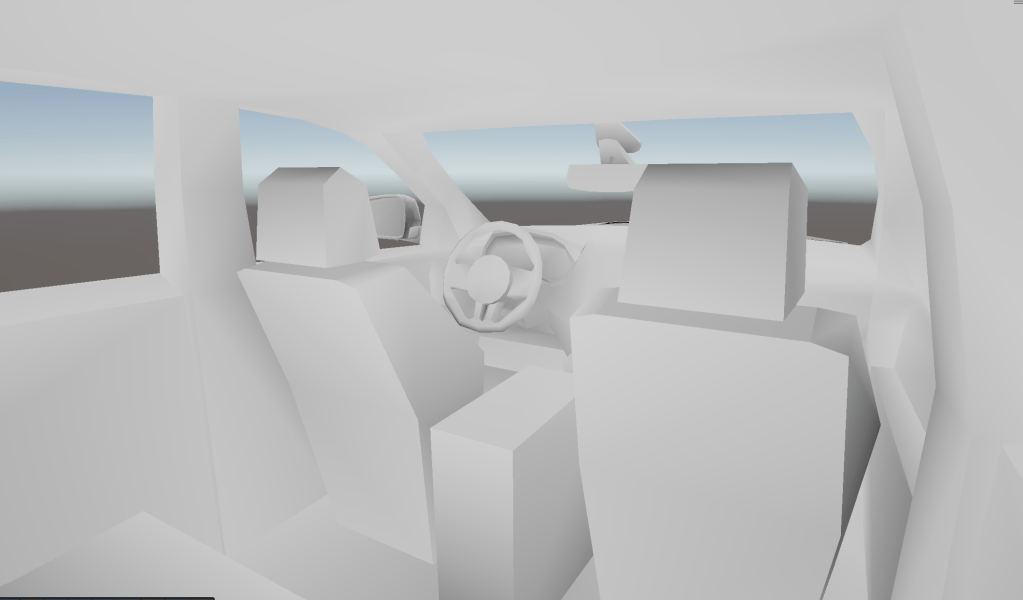
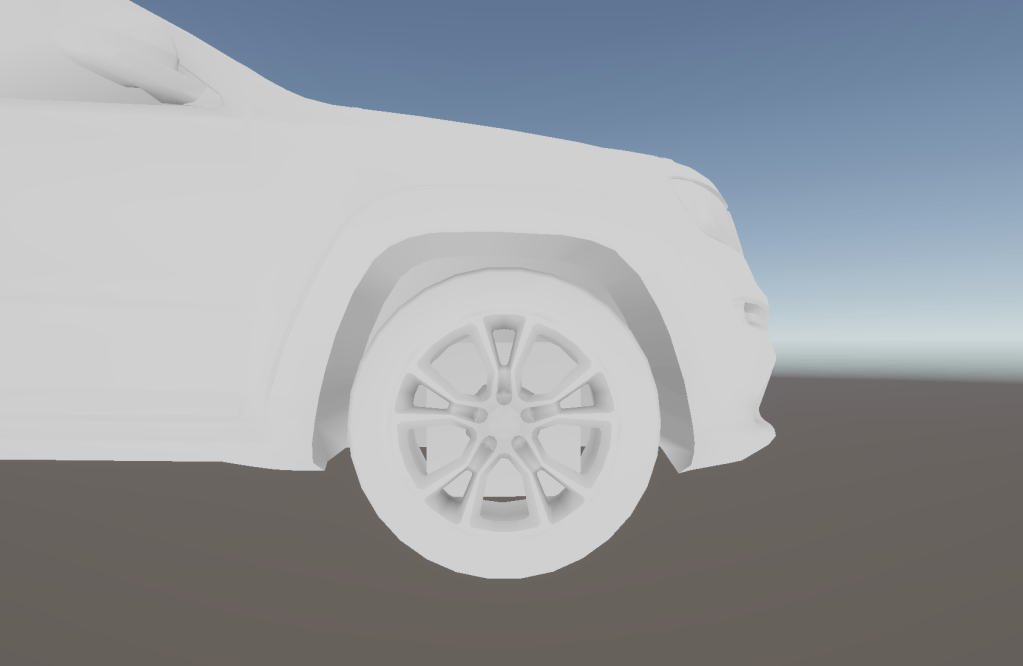
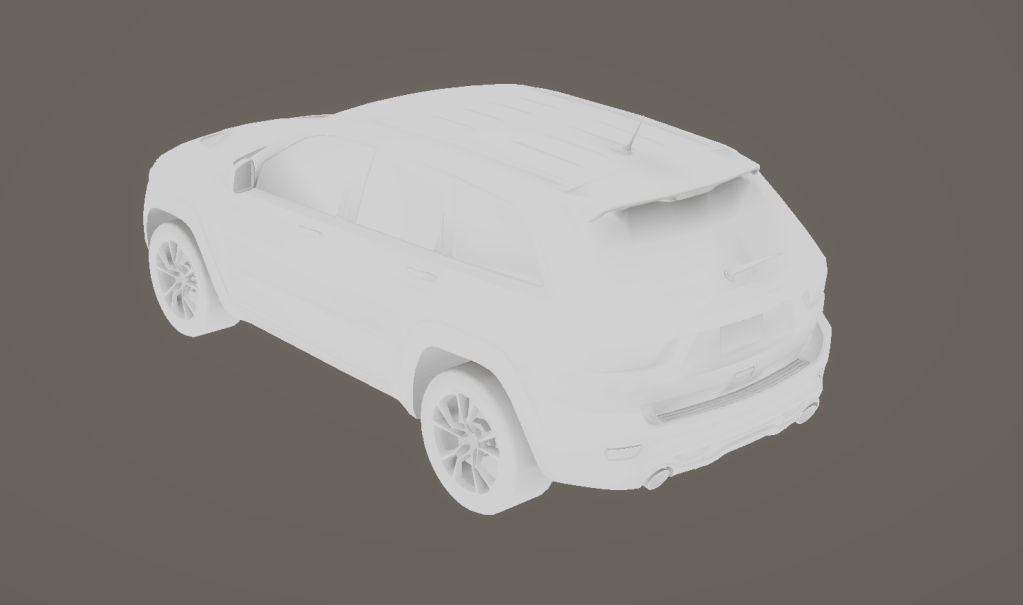
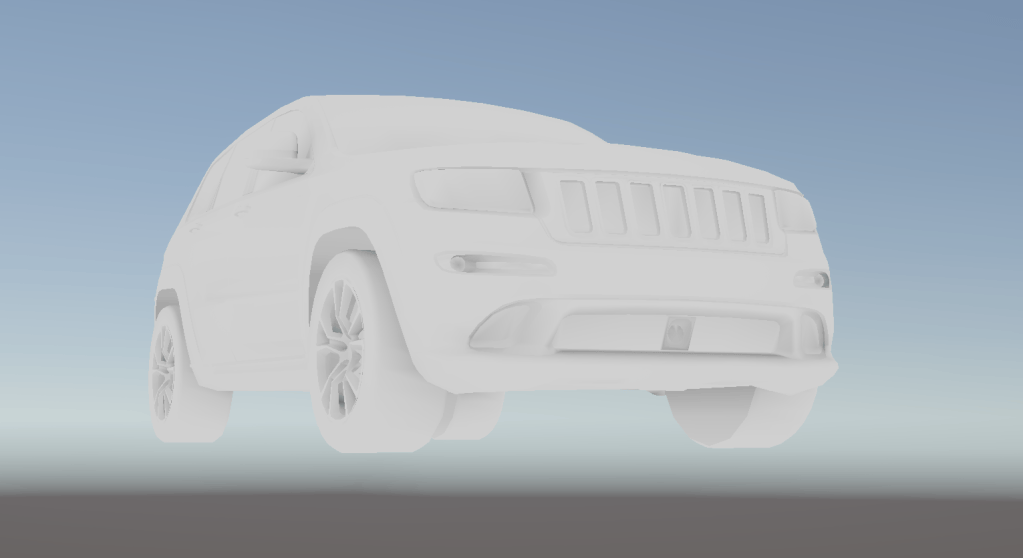
Modifications and Adjustments
When I first implemented this, I found that while I got mostly good ambient occlusion data, the result had a number of artefacts.
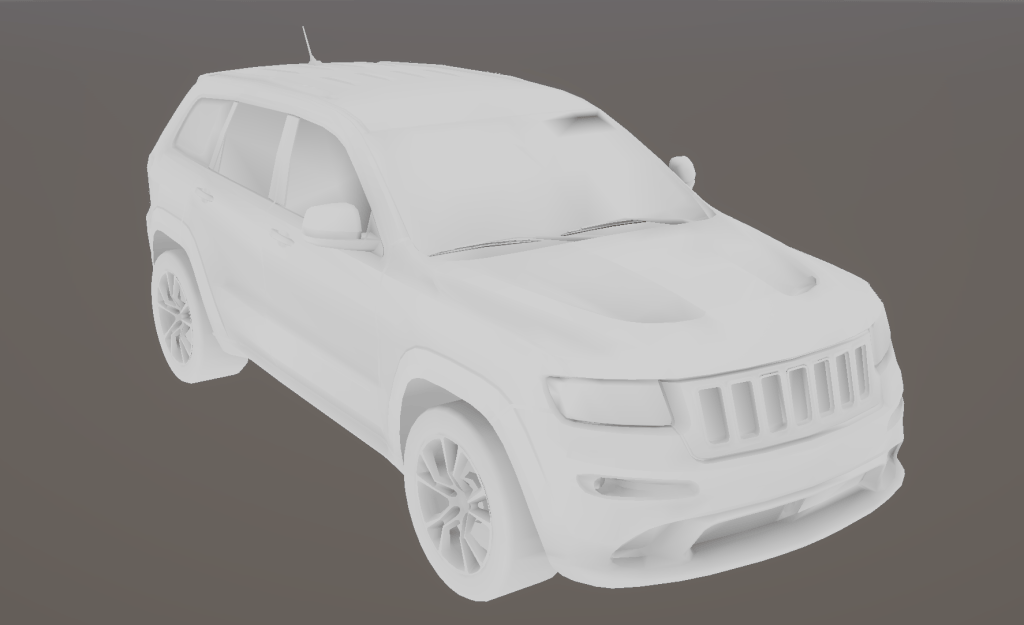
This was for 2 reasons:
- Some rays registered a collision with the vertex they were emitted from.
- Rays cast at the hemisphere’s equator would detect collisions across a flat surface.
To fix the first issue, I offset each ray’s origin slightly along its direction (0.001 by default) to avoid self-collision.
To fix the second, I set a minimum elevation for the hemispheres so they wouldn’t cast rays horizontally and collide with a flat surface.
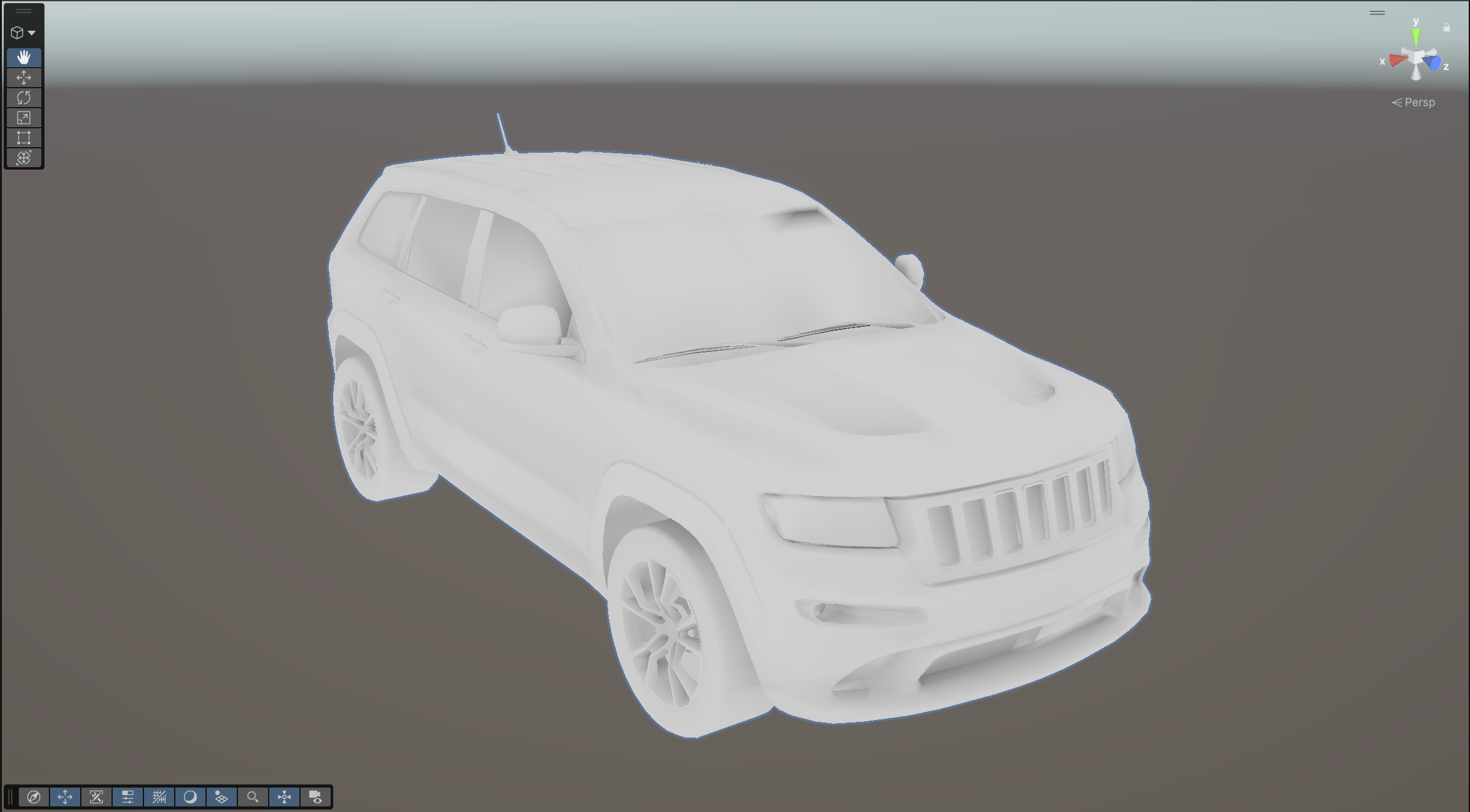
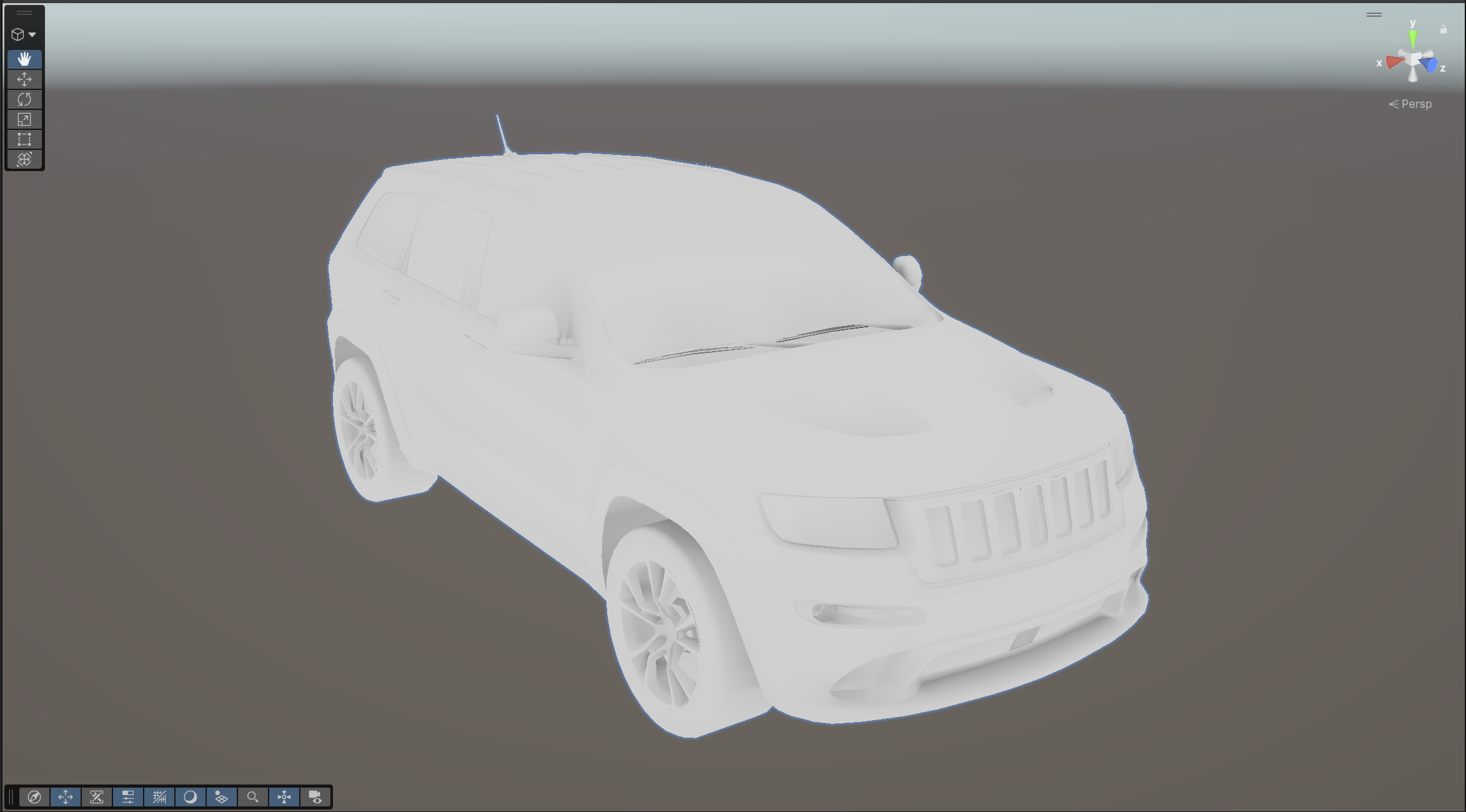
This gave me a significantly cleaner result.
I also added support for multiple mesh components inside the prefab, which bake in sequence and collide with each other.
I kept all the debug functions as outlined previously and added many debugging controls. I added the bake, reset, set meshes and debug verts functions as buttons in an editor script.
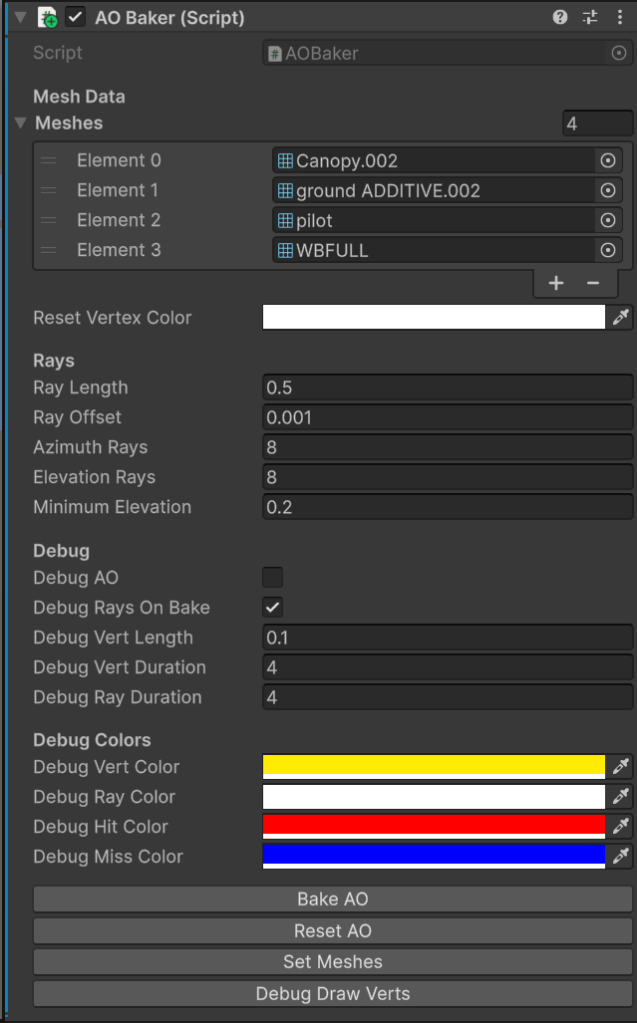
I also spent a good amount of time refactoring my code over the few days I spent developing this tool, so it was readable, my functions were reusable, and it was highly abstracted. Although it’s only a self-contained tool, I wanted to adhere to the SOLID principles of object-oriented programming as much as possible.
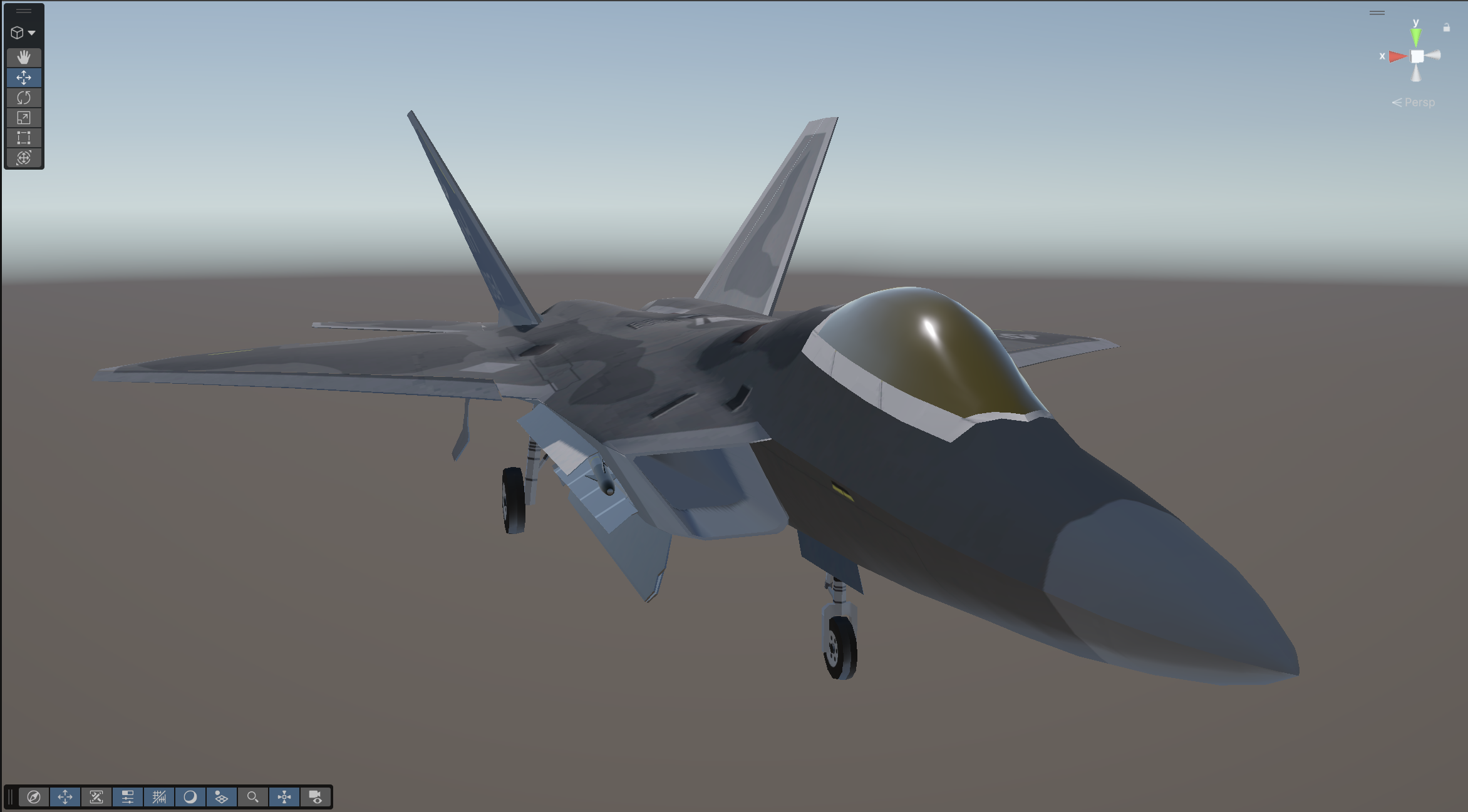
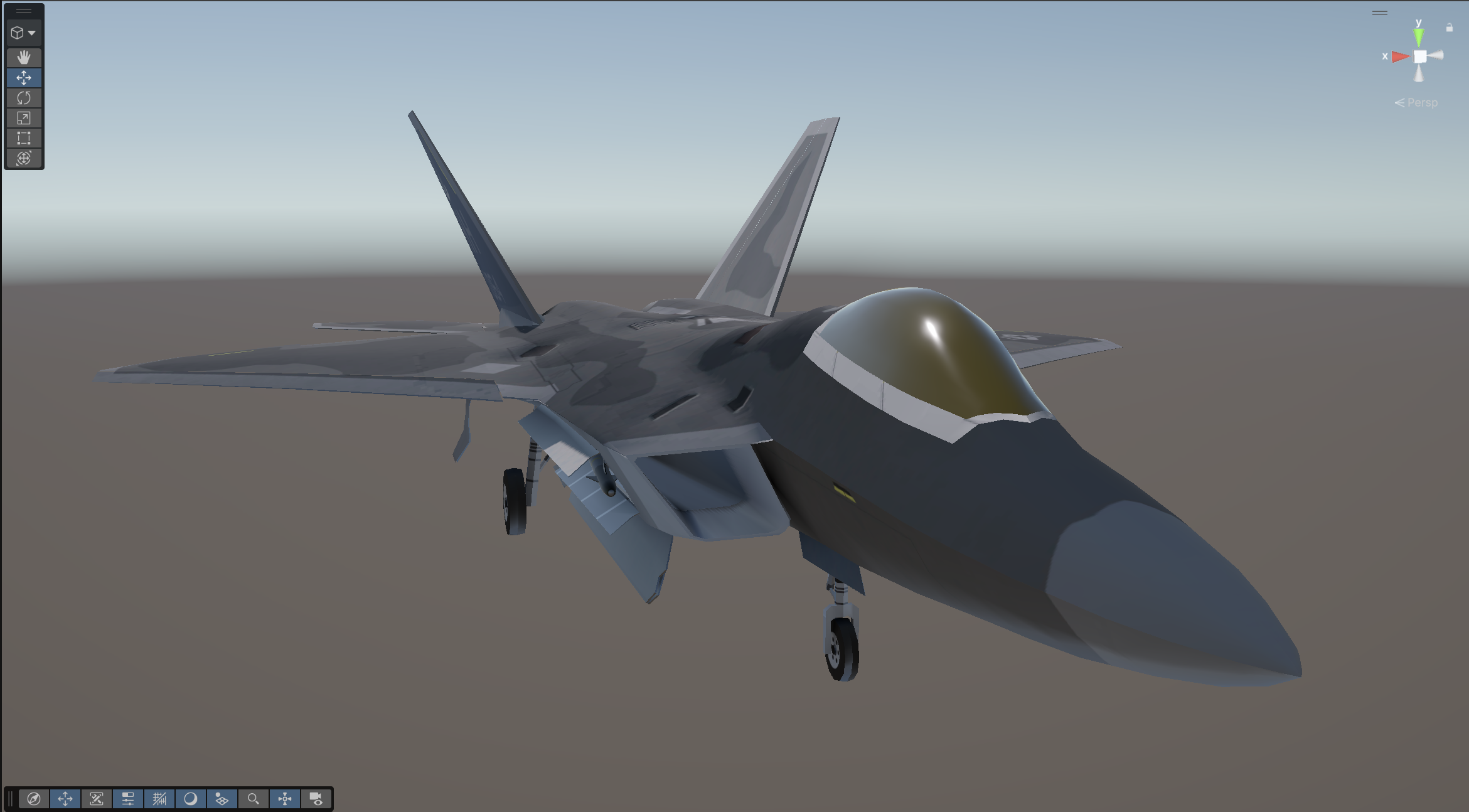
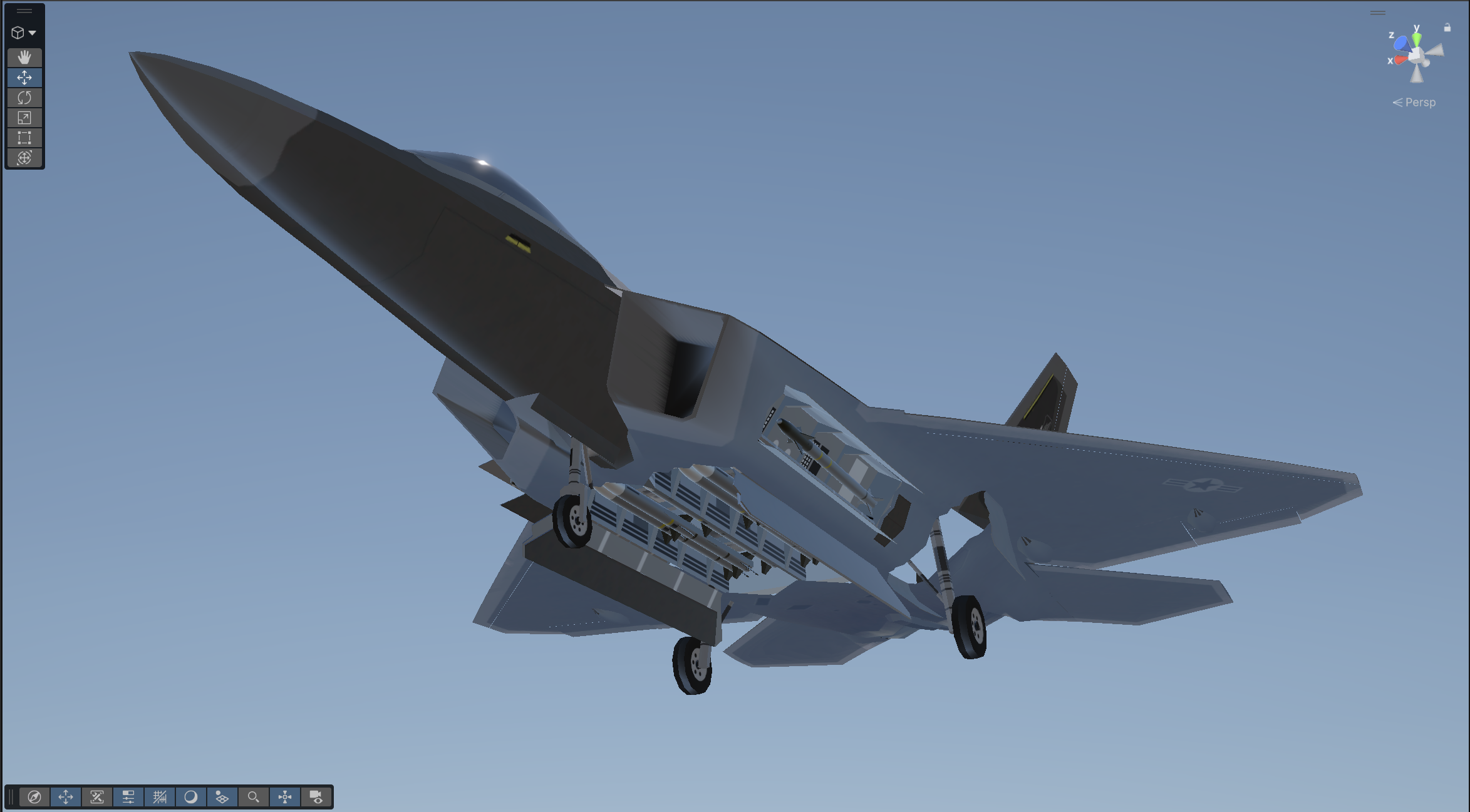
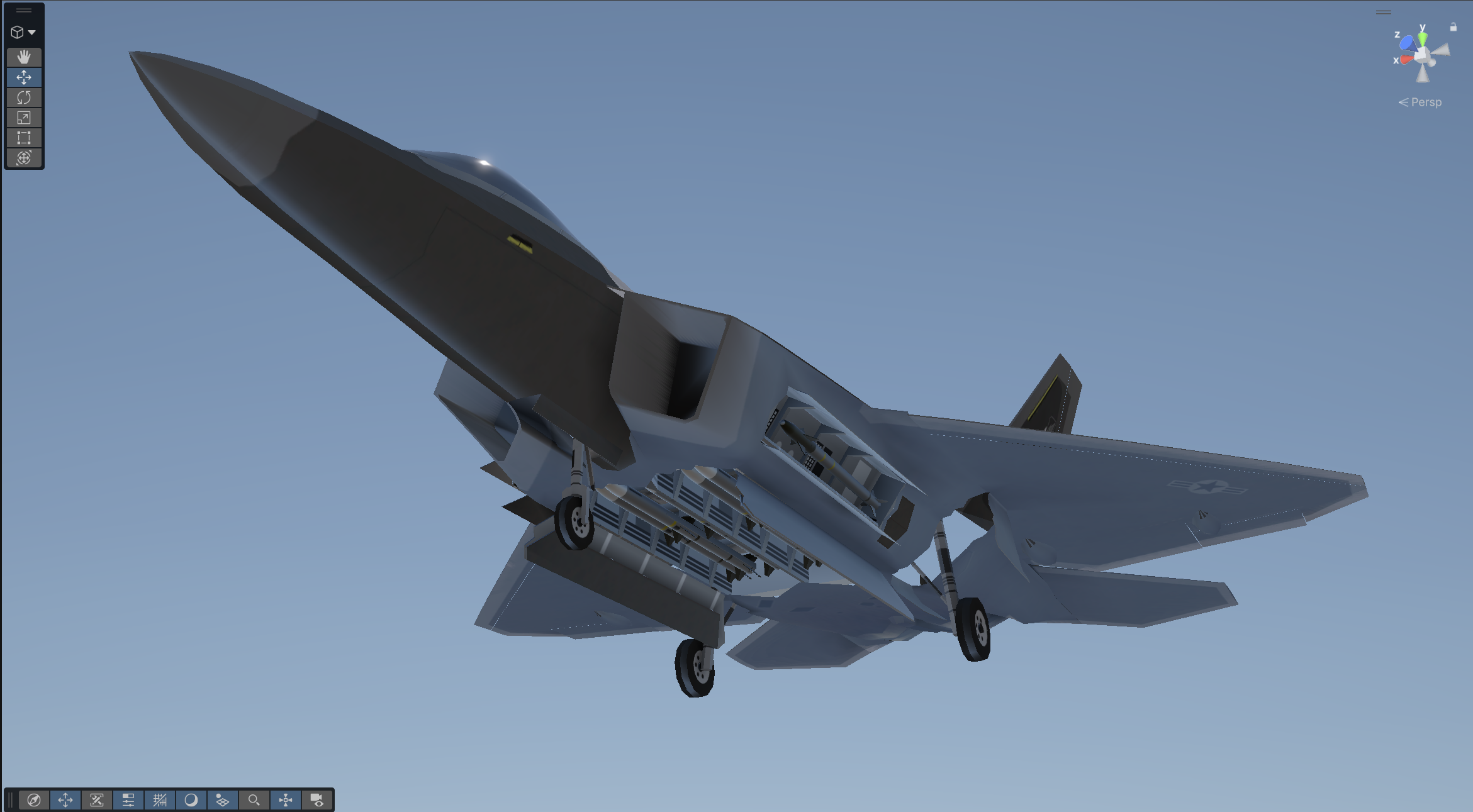
Model Tests
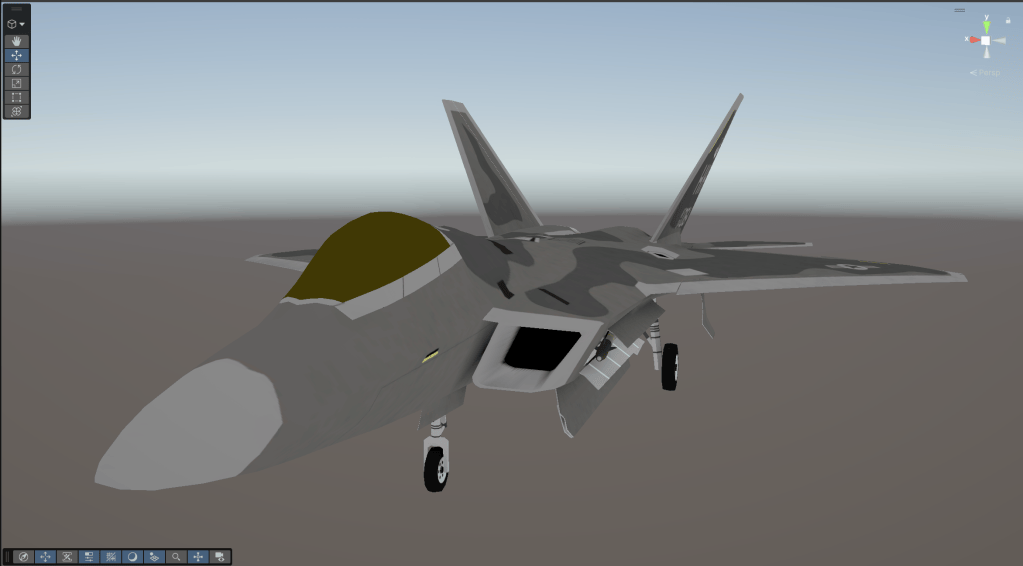
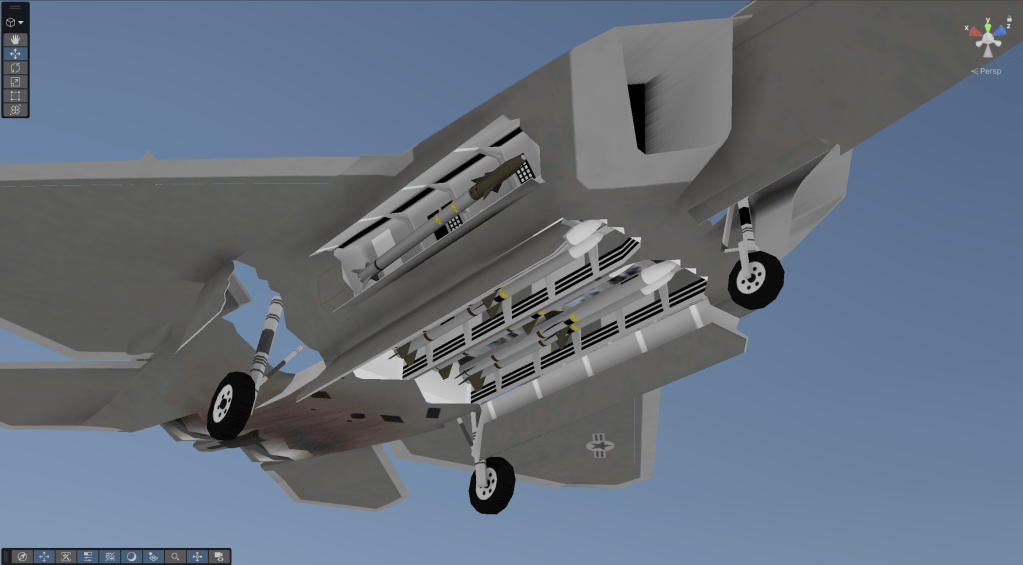
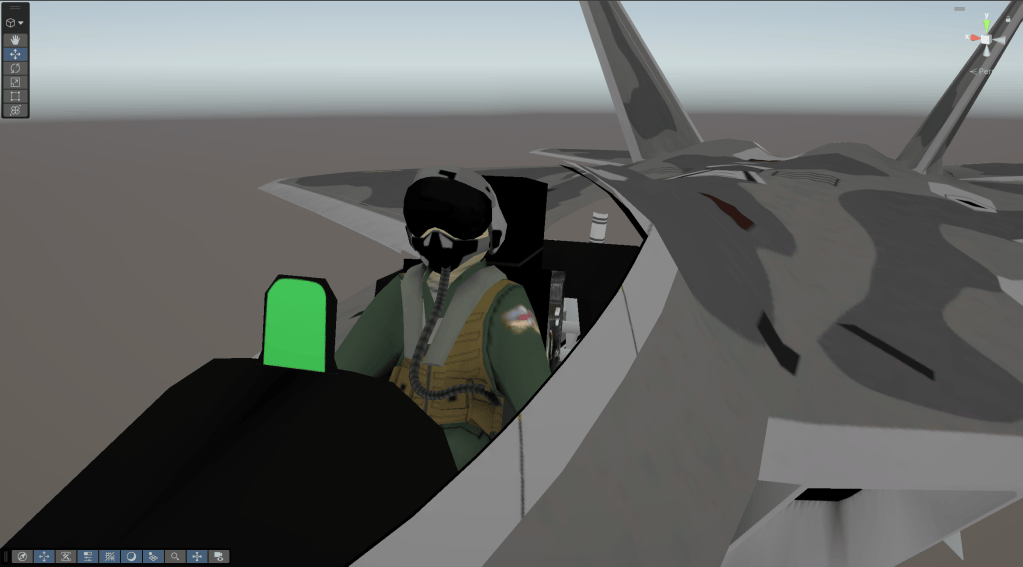
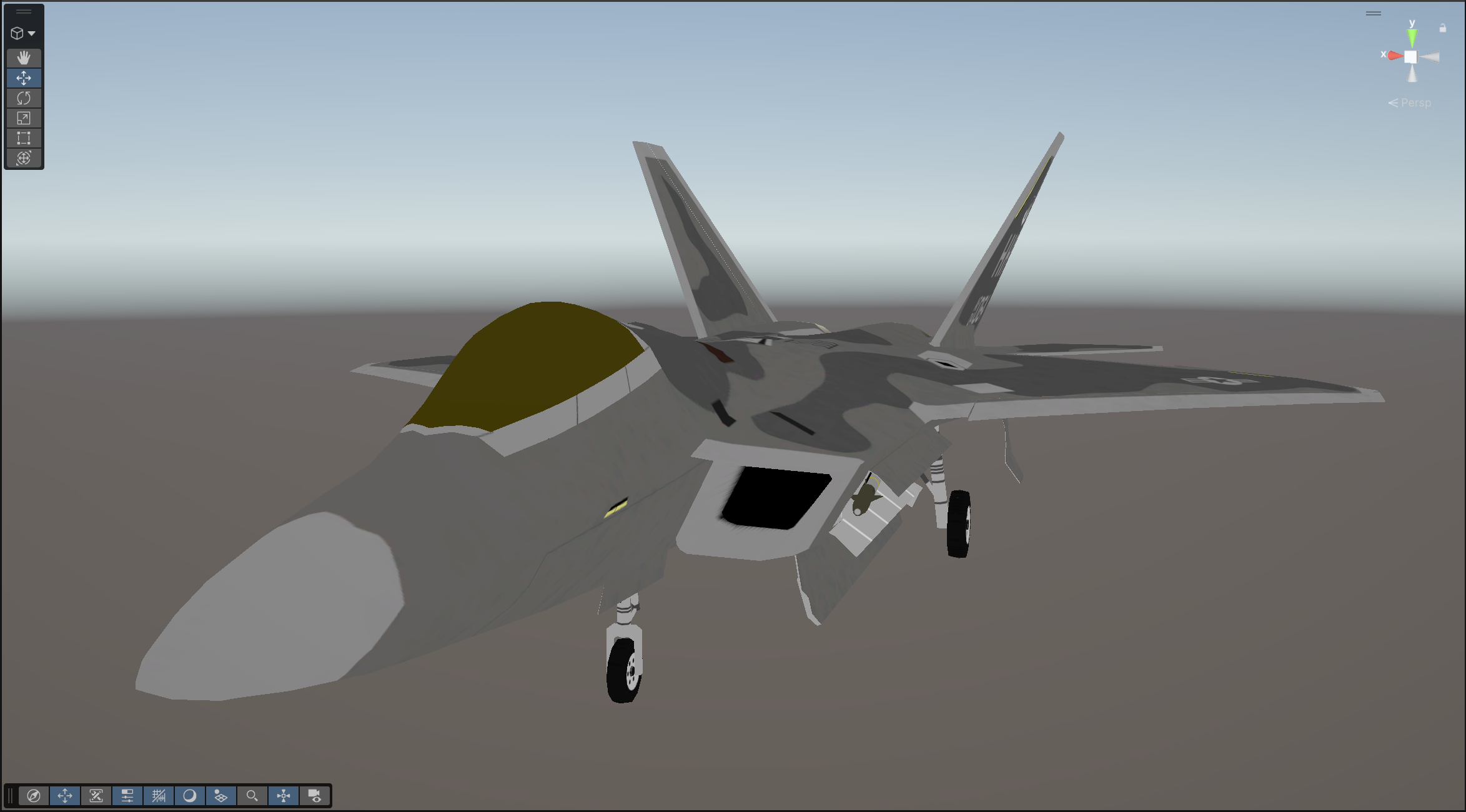
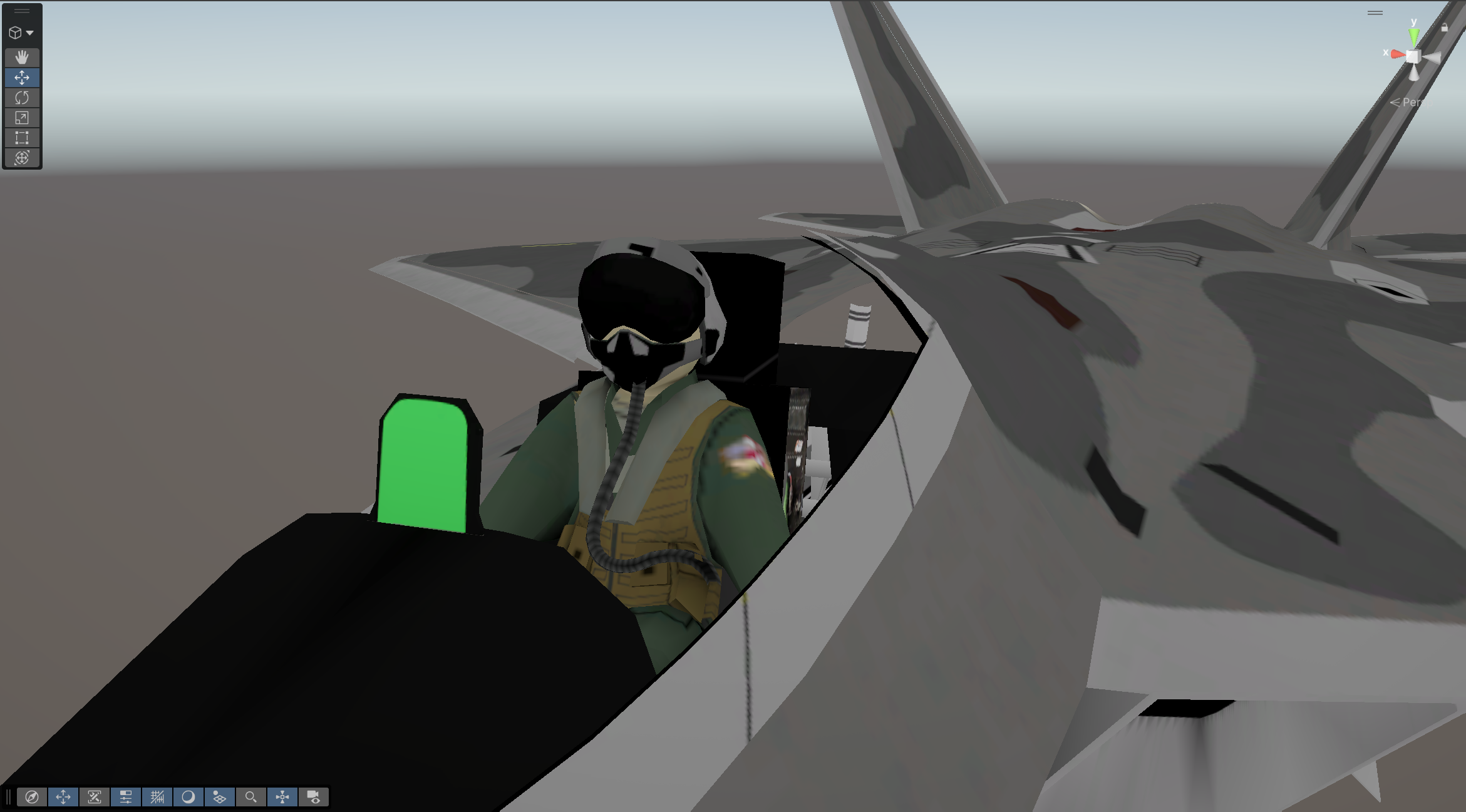
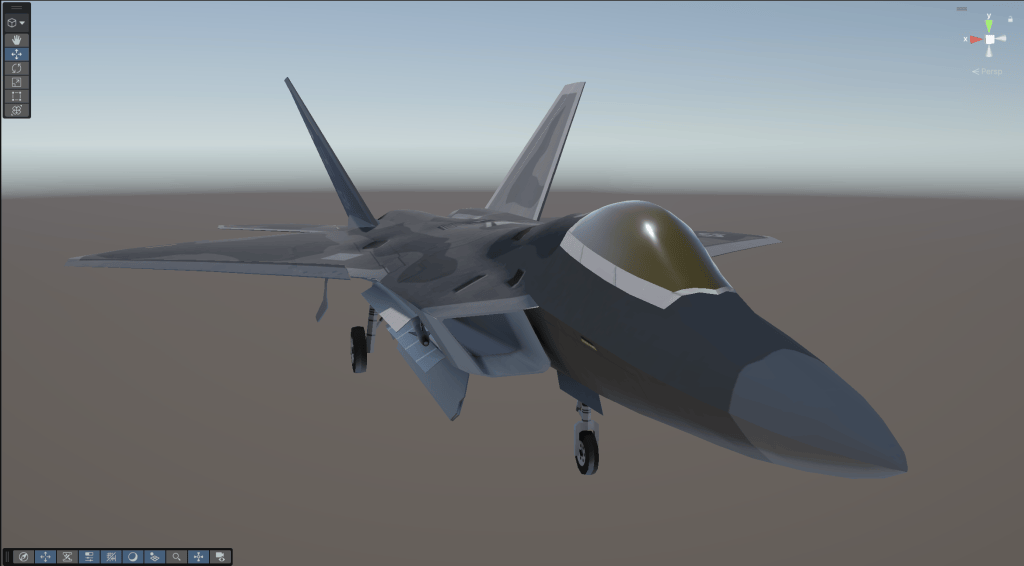
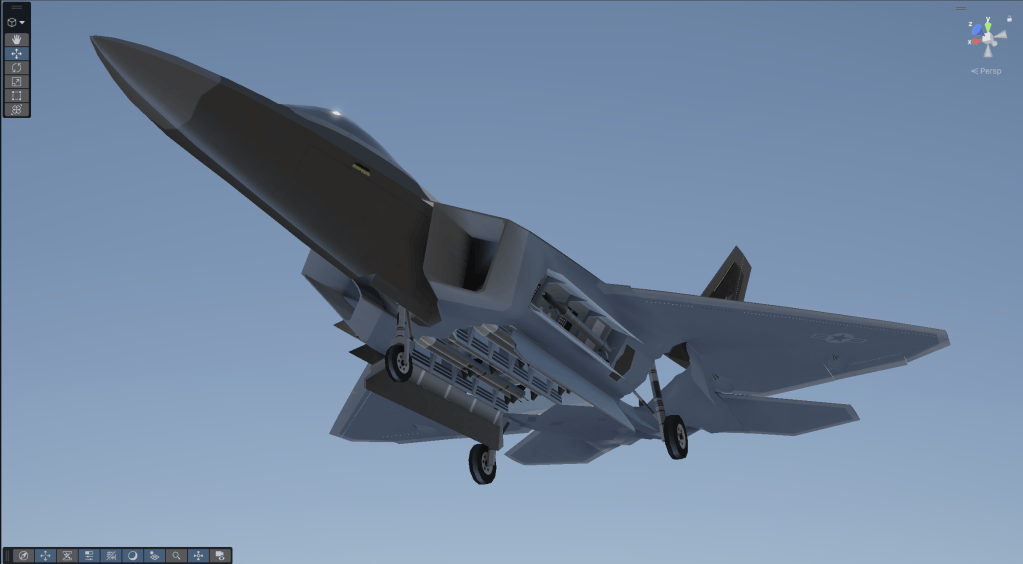
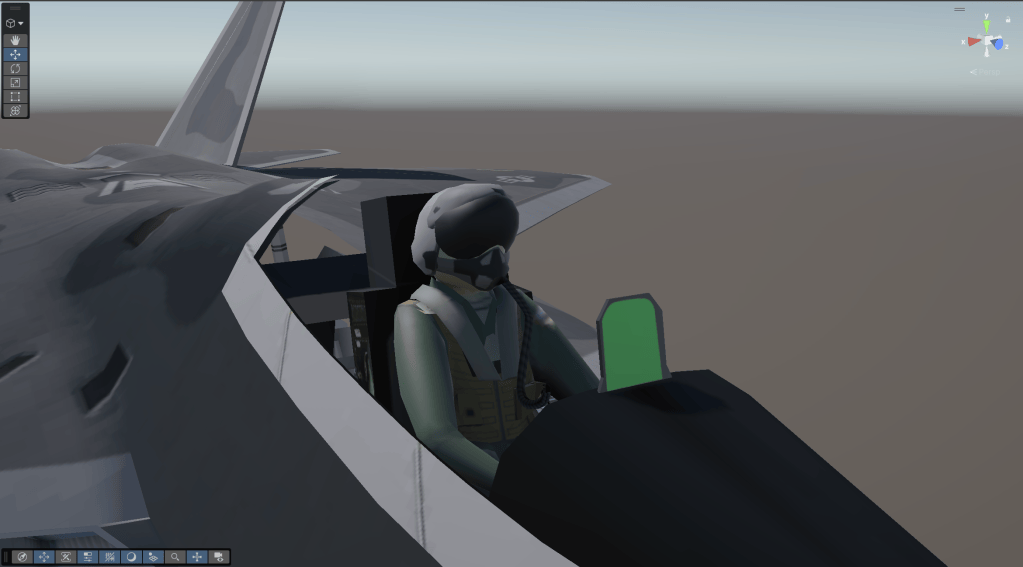
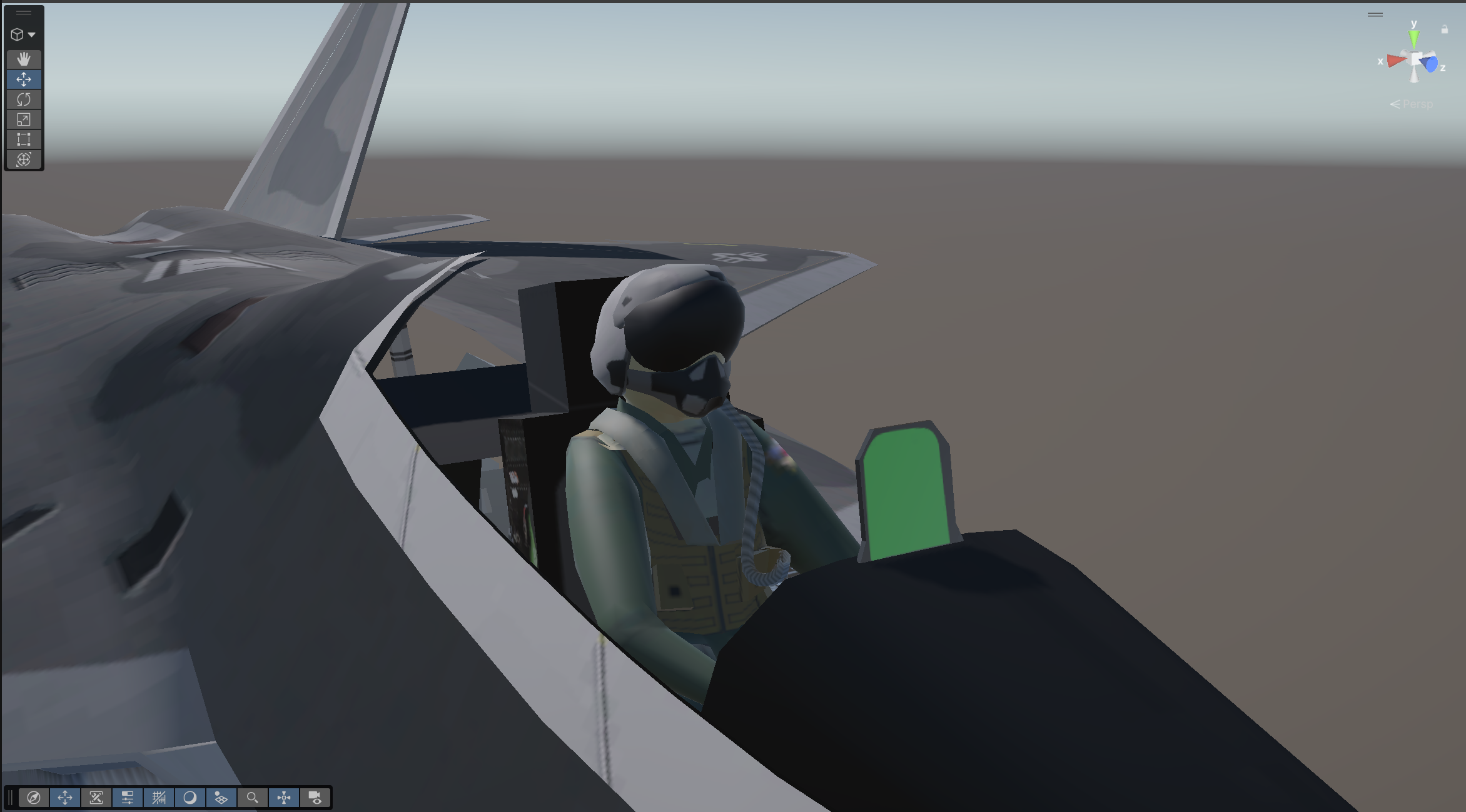
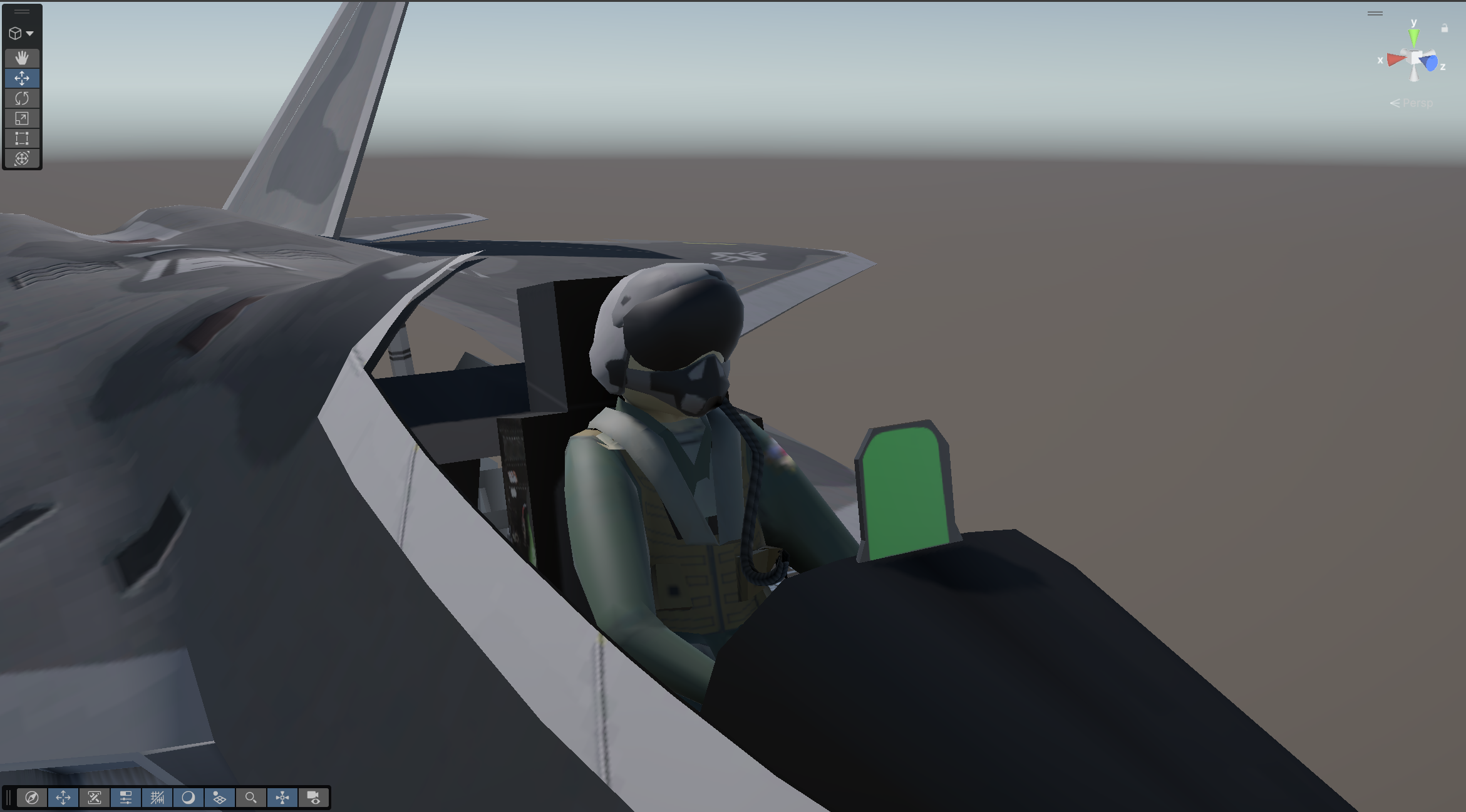
I created a simple debug unlit shader that multiplies the vertex colour alpha with the base colour, and a lit shader that uses the vertex alpha in the ambient occlusion output.
Unlit Shader
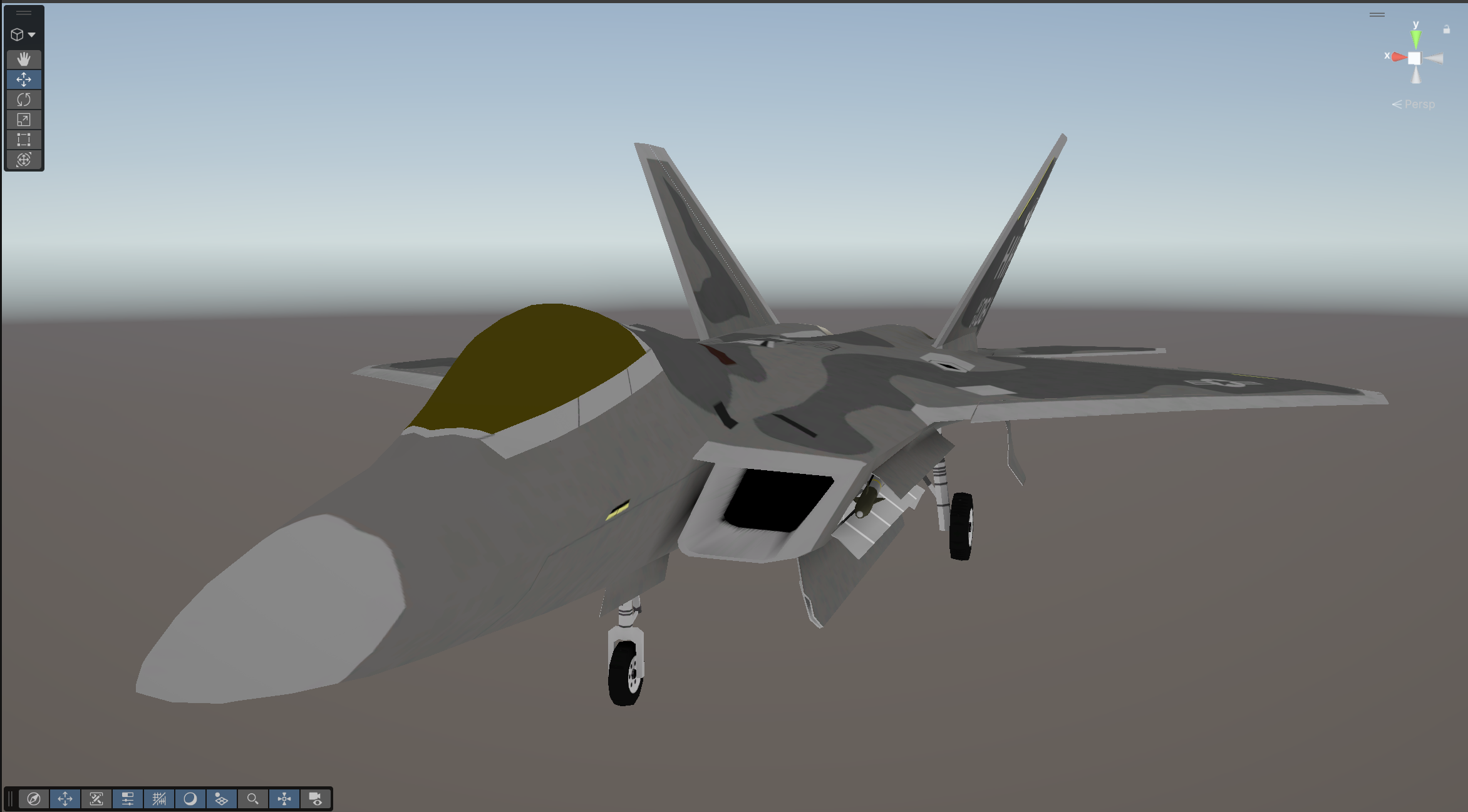
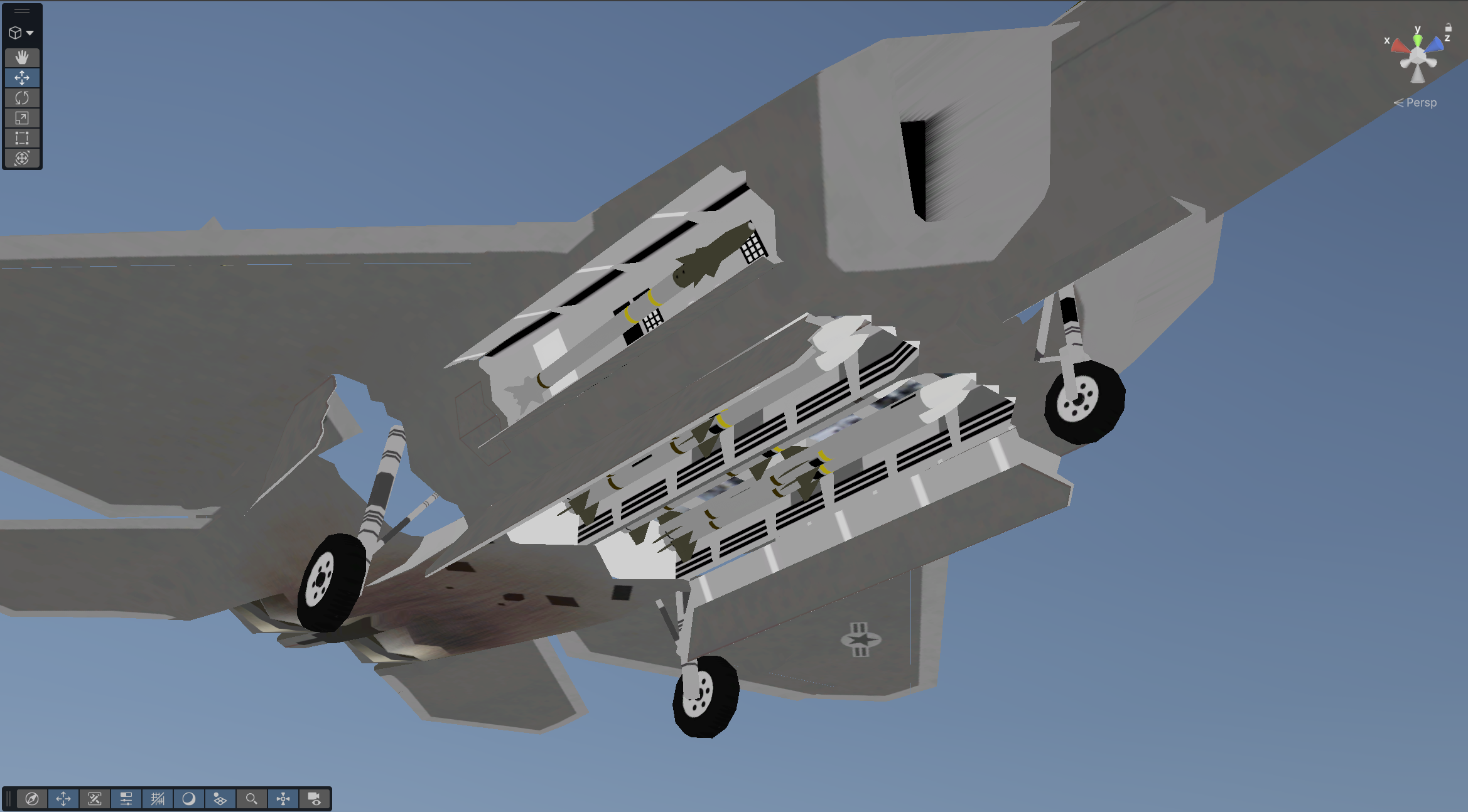
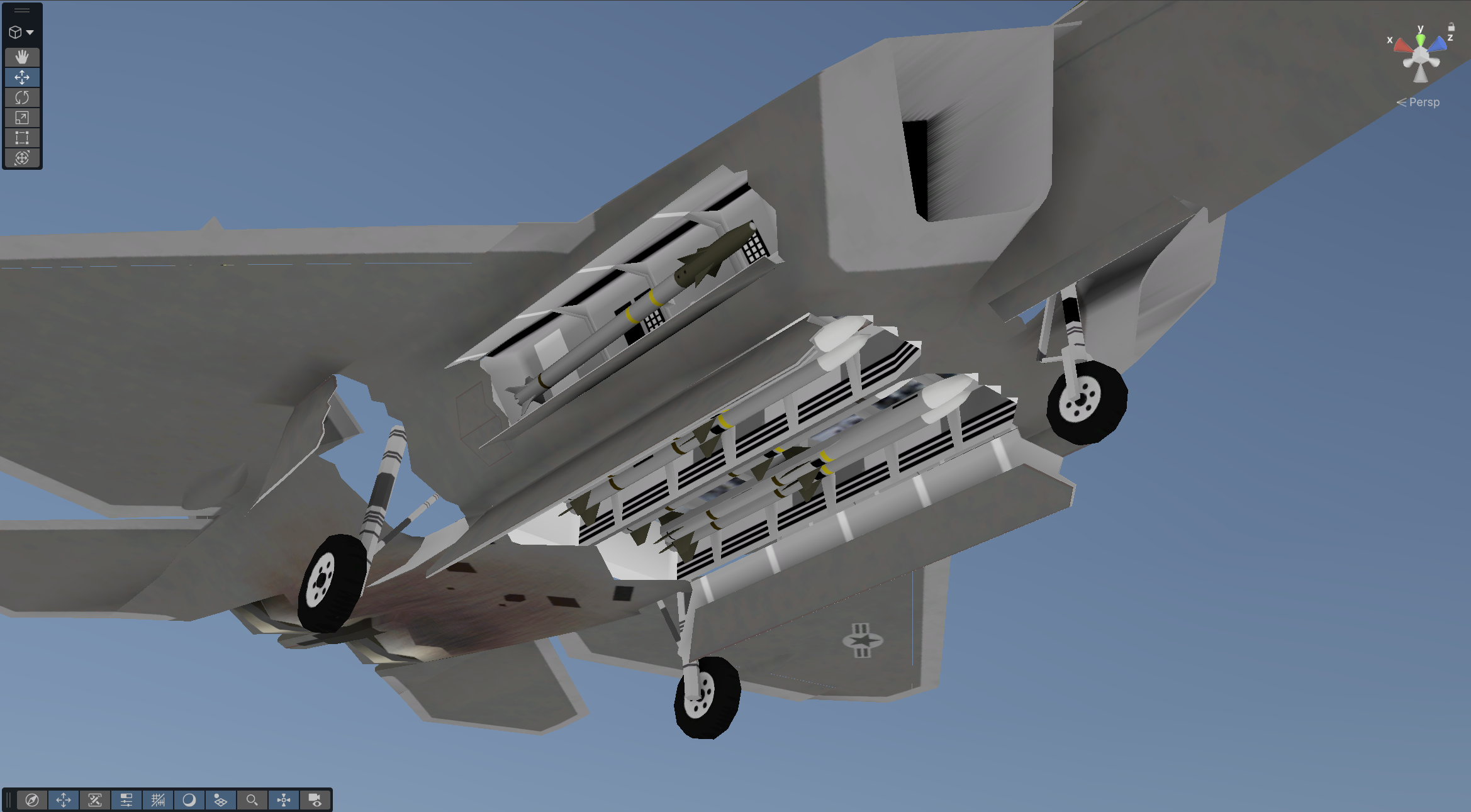
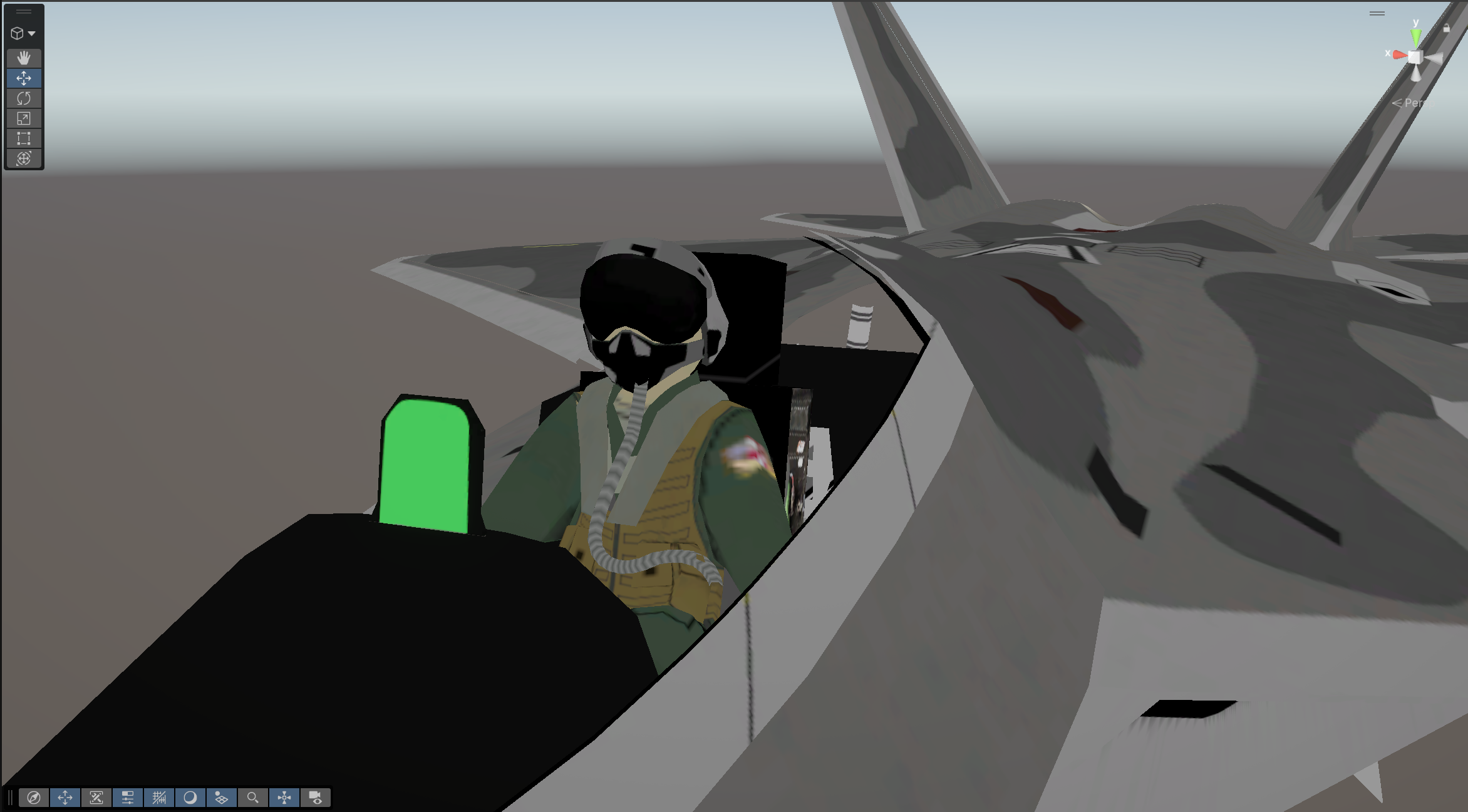
Lit Shader
using System.Collections.Generic;using System.Linq;using UnityEngine;#if UNITY_EDITORpublic class AOBaker : MonoBehaviour{ [Header("Mesh Data")] [SerializeField] List<Mesh> meshes; [SerializeField] Color resetVertexColor = new(1, 1, 1, 1); [Header("Rays")] [SerializeField] float rayLength = 0.3f; [SerializeField] float rayOffset = 0.001f; [SerializeField] int azimuthRays = 8; [SerializeField] int elevationRays = 8; [SerializeField] float minimumElevation = 0.2f; [Header("Debug")] [SerializeField] bool debugAO; [SerializeField] bool debugRaysOnBake = false; [SerializeField] float debugVertLength = 0.1f; [SerializeField] float debugVertDuration = 4f; [SerializeField] float debugRayDuration = 4f; [Header("Debug Colors")] [SerializeField] Color debugVertColor = Color.yellow; [SerializeField] Color debugRayColor = Color.white; [SerializeField] Color debugHitColor = Color.red; [SerializeField] Color debugMissColor = Color.blue; public struct MeshData { public Vector3[] vertices; public Vector3[] normals; public Color[] colors; public MeshData(Vector3[] Vertices, Vector3[] Normals, Color[] Colors) { vertices = Vertices; normals = Normals; colors = Colors; } } public void SetMeshes() { meshes.Clear(); //for every mesh filter component we find in this object and its children, we set a new mesh in the array foreach (MeshFilter meshFilter in GetComponentsInChildren<MeshFilter>()) { meshes.Add(meshFilter.sharedMesh); } } //if there are no meshes, set them private void CheckMeshes() { if (meshes.Count == 0) SetMeshes(); } private MeshData SetupMesh(Mesh mesh) { //return a MeshData struct with our mesh's data return new MeshData(mesh.vertices, mesh.normals, mesh.colors); } public void Bake() { MeshData currentMeshData; CheckMeshes(); //for every mesh we're baking, set the mesh's data and cast rays from it to get our occlusion data foreach (Mesh mesh in meshes) { CheckColors(mesh); //setup mesh data and cast rays currentMeshData = SetupMesh(mesh); List<Color> colors = CastMeshRays(currentMeshData); //set the mesh's vertex colors mesh.SetColors(colors); print($"Mesh AO Baked: {gameObject.name} - {mesh.name}"); } } private bool CastSphereRay(Vector3 origin, float elevation, float azimuth, Vector3 orient) { //equation for finding xyz coordinates on a sphere with input azimuth (latitude) and elevation (longitude) Vector3 sphereVector = new Vector3( Mathf.Sin(elevation) * Mathf.Cos(azimuth), Mathf.Cos(elevation), Mathf.Sin(elevation) * Mathf.Sin(azimuth)); //create a quaternion from our orient input Quaternion rotation = Quaternion.FromToRotation(Vector3.up, orient); //orient our calculated sphere vector by multiplying it with our quaternion Vector3 orientedVector = rotation * sphereVector; //offset the origin of the ray cast to prevent collision its own vertex in the mesh collider Vector3 offsetOrigin = origin + orientedVector * rayOffset; //cast the ray and store if its hit bool hit = Physics.Raycast(offsetOrigin, orientedVector, rayLength); //visualize ray casts and if they collided if (debugRaysOnBake) { if (hit) Debug.DrawRay(offsetOrigin, orientedVector * rayLength, debugHitColor, debugRayDuration); else Debug.DrawRay(offsetOrigin, orientedVector * rayLength, debugMissColor, debugRayDuration); } return hit; } private float CastHemisphere(Vector3 origin, Vector3 orient) { //rays that hit int hits = 0; //total rays int rays = 0; //cast hemisphere of rays by looping around the equator and up and down for (int i = 1; i <= azimuthRays; i++) { for (int j = 1; j <= elevationRays; j++) { //sphere rays are cast with elevation mapped between 0 and pi/2 to draw a hemisphere if (CastSphereRay(origin, ((Mathf.PI / 2) - minimumElevation) / elevationRays * j, Mathf.PI * 2 / azimuthRays * i, orient)) { //count the amount of rays that hit hits++; } //count the total rays rays++; } } //occlusion value (between 0 and 1) is 1 - (the amount of rays hit / amount of rays total) float occlusion = 1 - (float)hits / rays; return occlusion; } private List<Color> CastMeshRays(MeshData meshData) { List<Color> colors = new(); //for every vertex in the mesh for (int i = 0; i < meshData.vertices.Length; i++) { //set ray origin and orientations Vector3 v = transform.TransformPoint(meshData.vertices[i]); Vector3 n = transform.TransformDirection(meshData.normals[i]); //cast a hemisphere of rays from the vertex, with the normal as the orientation //occlusion value is the returned 1 - hits/total float occlusion = CastHemisphere(v, n); //create new list of colors with original mesh colors and occlusion value in the alpha channel colors.Add(new Vector4( meshData.colors[i].r, meshData.colors[i].g, meshData.colors[i].b, occlusion )); } //return constructed list of colors return colors; } //debug function that draws a ray at each vertex, pointed along the normal public void DrawVerts() { CheckMeshes(); foreach (Mesh mesh in meshes) { for (int i = 0; i < mesh.vertices.Length; i++) { Debug.DrawLine(transform.TransformPoint(mesh.vertices[i]), transform.TransformPoint(mesh.vertices[i]) + transform.TransformDirection(mesh.normals[i]) * debugVertLength, debugVertColor, debugVertDuration); } } } private void CreateVertexColors(Mesh mesh) { //creates a full list of the chosen color List<Color> emptyColors = Enumerable.Repeat(resetVertexColor, mesh.vertices.Length).ToList(); //sets mesh colors to the list mesh.SetColors(emptyColors); } //if the mesh has no vertex color data, set it to the chosen color private void CheckColors(Mesh mesh) { if (mesh.colors.Length == 0) CreateVertexColors(mesh); } //resets the alpha channel of the vertex color, without effecting the RGB values public void ResetVertAlpha() { CheckMeshes(); foreach (Mesh mesh in meshes) { List<Color> whiteAlpha = new List<Color>(); Color[] meshColors; CheckColors(mesh); //get vertex colors from the mesh meshColors = mesh.colors; //for every vertex, create a new value in a color list and use RGB values from original vertex color, and 1 in the alpha channel for (int i = 0; i < mesh.vertices.Length; i++) { whiteAlpha.Add(new Color( meshColors[i].r, meshColors[i].g, meshColors[i].b, 1)); } //set vertex colors to new list mesh.SetColors(whiteAlpha); } }}#endif
Next Steps
In the future, I want to improve this tool’s user experience. Add options to save meshes separately, add extra debugging functionality, add a mode with only self-collision and one with collision with all layers, and let the tool add and remove its own mesh collider. I’m really happy with it so far after spending several hours over a few days on it, and I’ve come a long way in my programming ability since my first attempt at making this tool in university.

